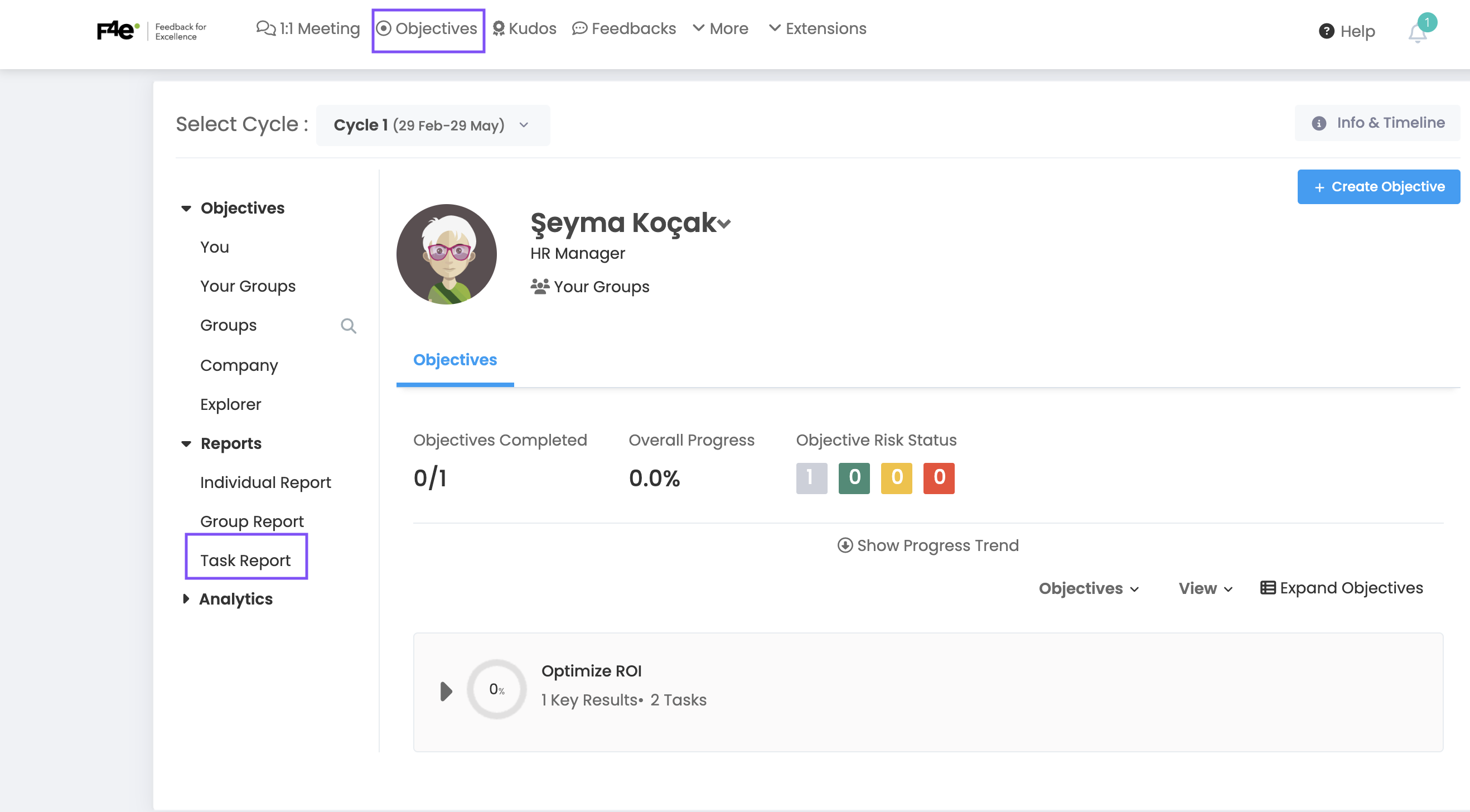
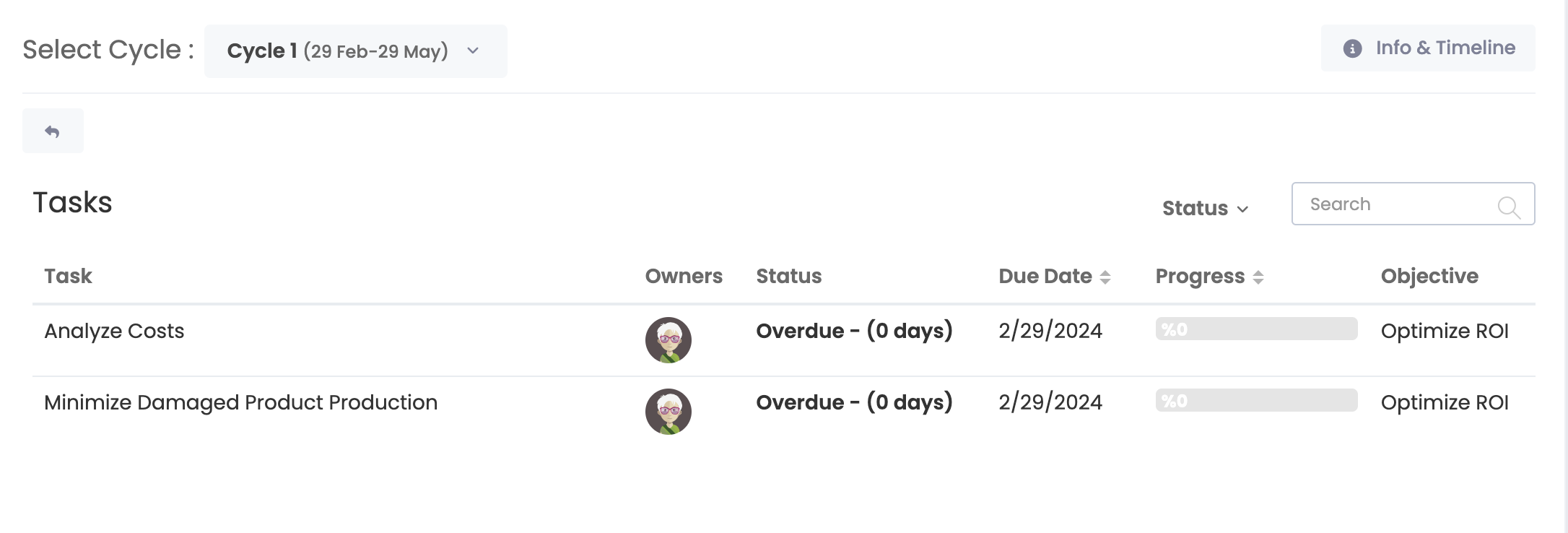
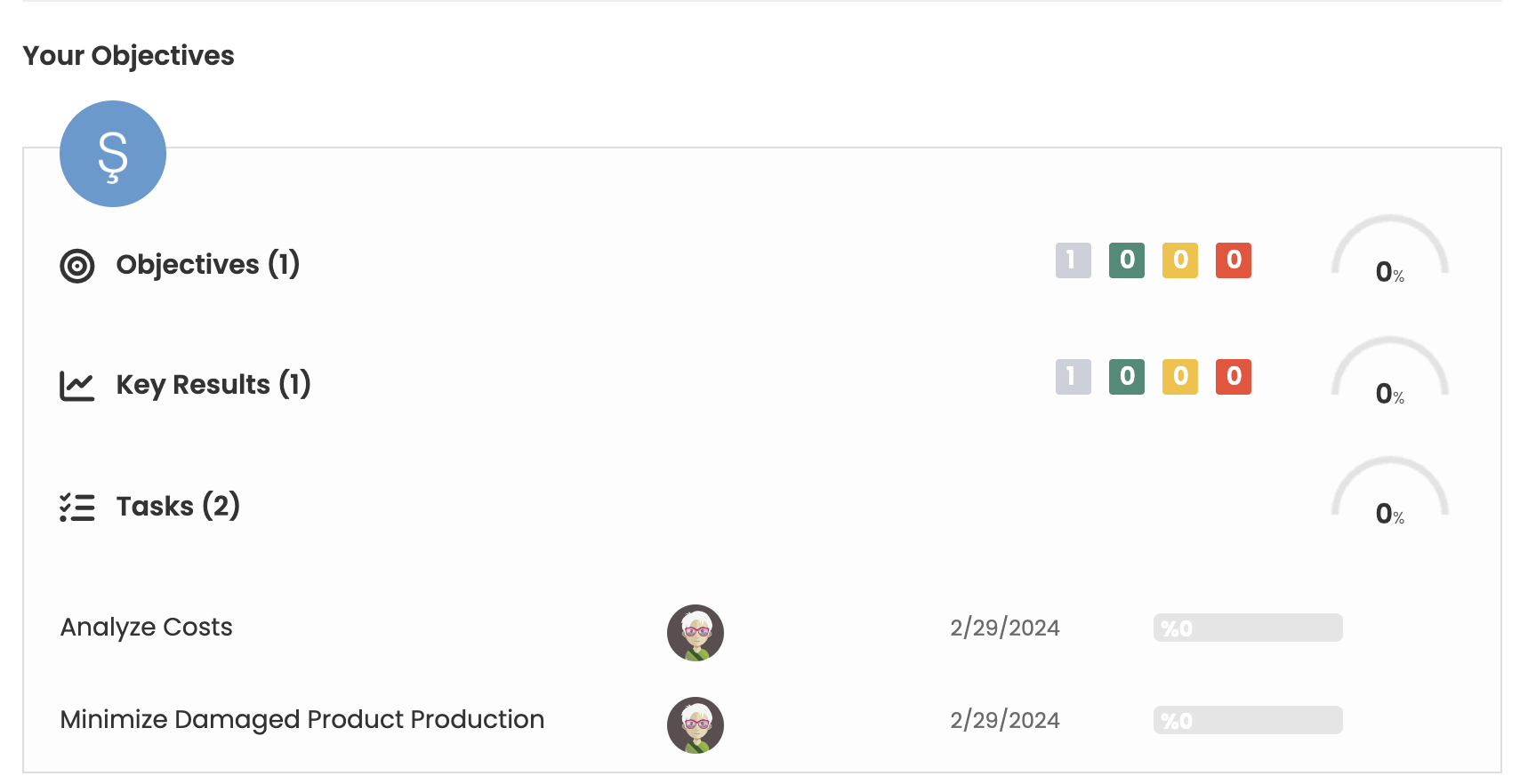
You can list the tasks related to your Business Objectives in 2 different areas.
First, you can list your tasks by clicking on the Tasks option under the Business Objectives Heading on your F4e Home Page.
Secondly, you can list the tasks by clicking on the Business Objectives in the top bar and clicking on the Task Report from the Reports tab on the left on the page that opens.