
Another alternative to checking in to the key result of the objective in Business Objectives is mass check-in.
Only the person with the System Administrator role can perform this operation.
To perform Bulk Check-in Upload, you must follow the steps below.
Click on More > Management > Cycle Management > Reports for the Relevant Period icon.
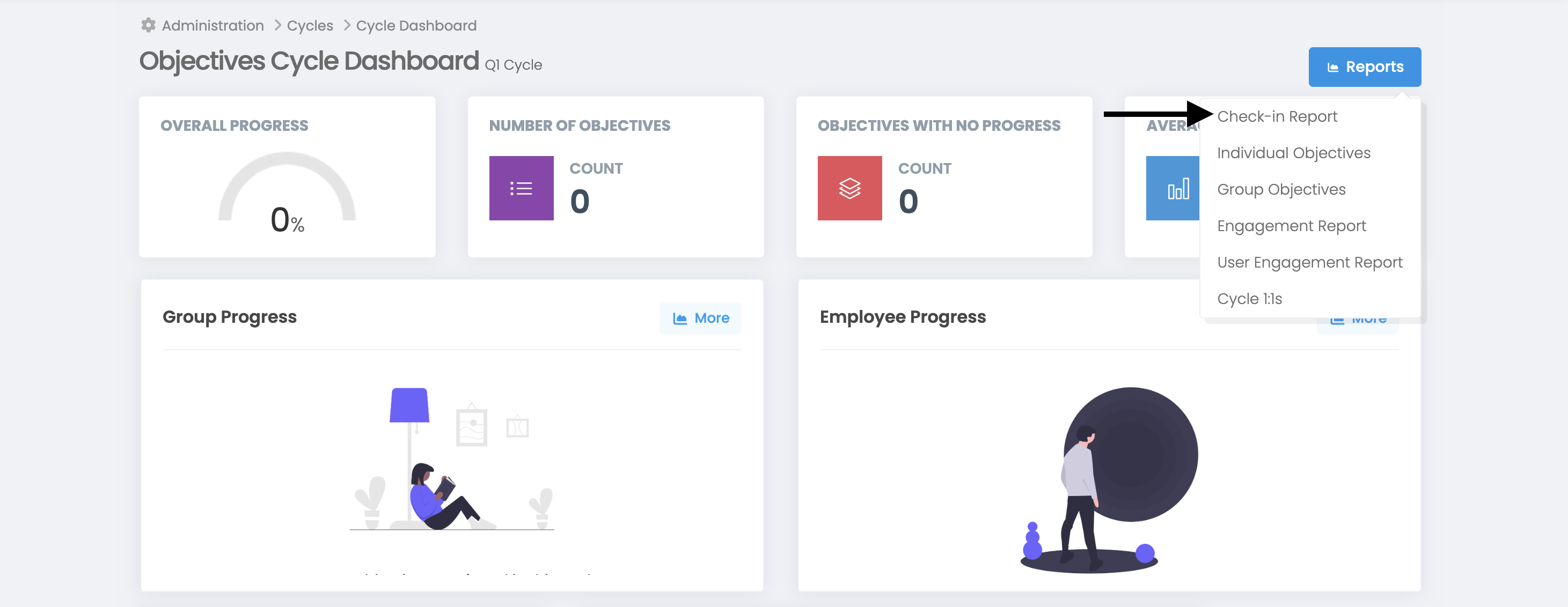
"Check-in Report" should be selected from the Blue Reports button at the top left of the screen that opens.
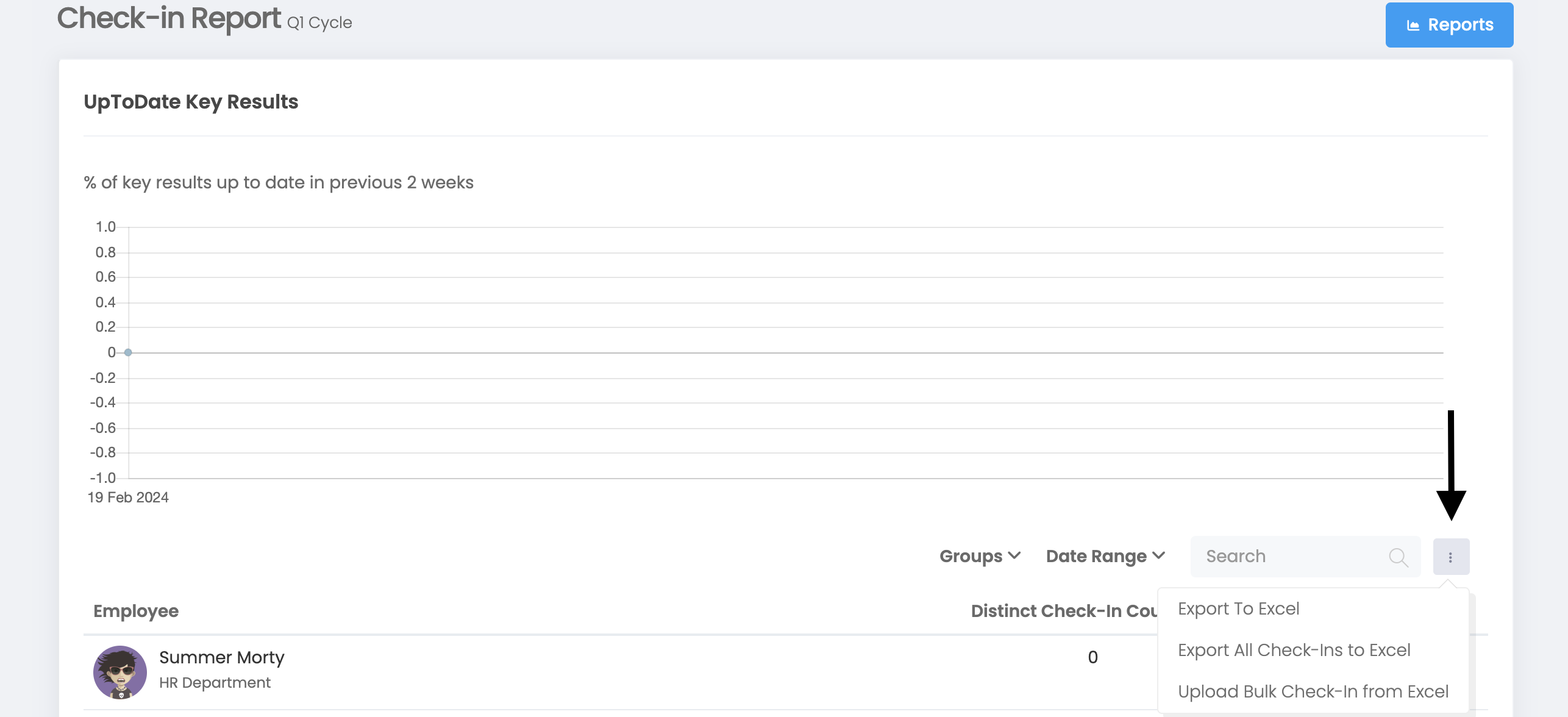
On the page that opens, click "Upload Bulk Check-in from Excel" from the 3 dots next to the Filter.
On the screen that opens, first click on the "Export Success Criteria for Bulk Check-in to Excel" option on the right side, and the Check-in values that should be in the downloaded Excel should be written in the "checkInValue" column specific to the key result.
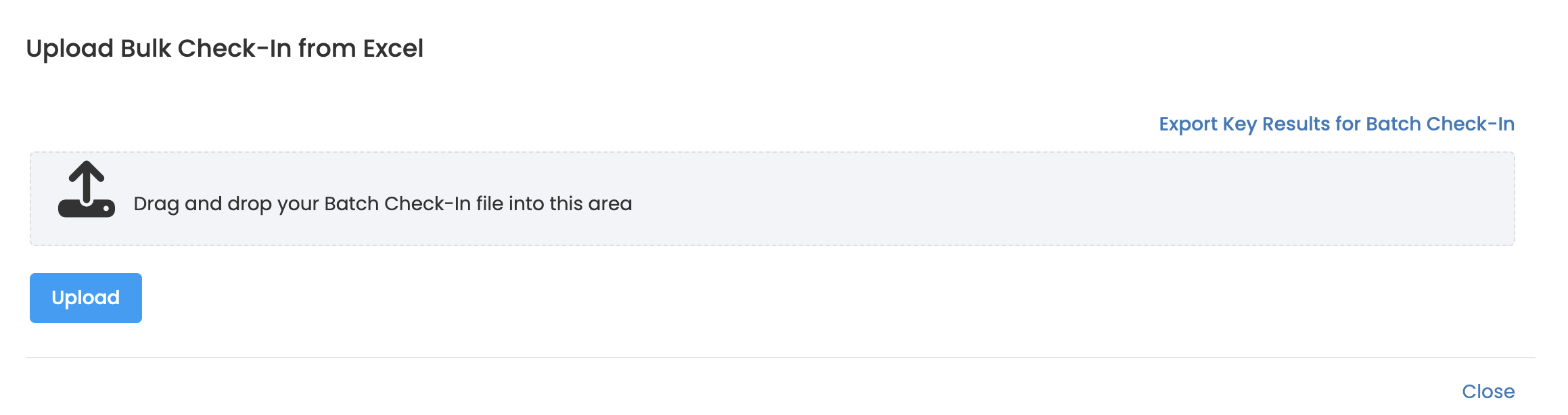
Drag and drop your Excel file and Upload.