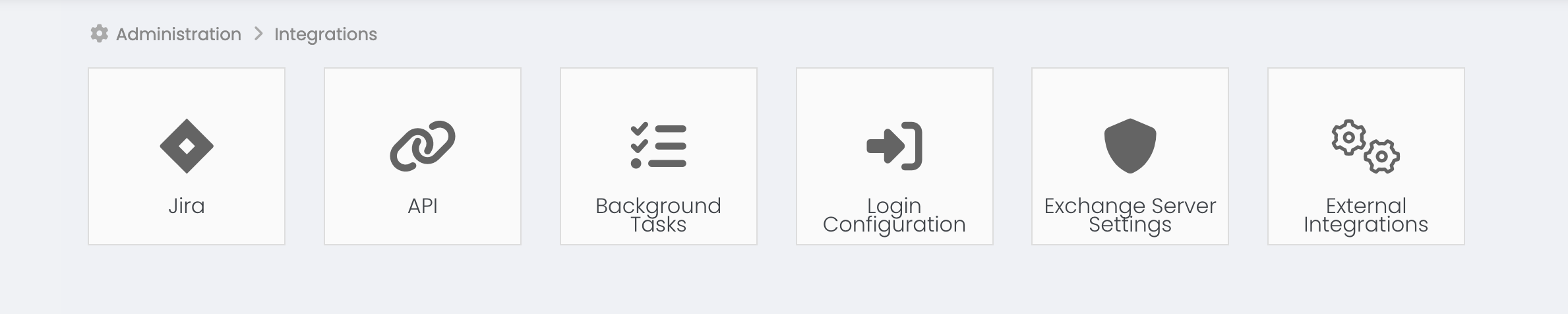
You should click on the Top Menu > Period Management > Relevant Period Button > Load target link.
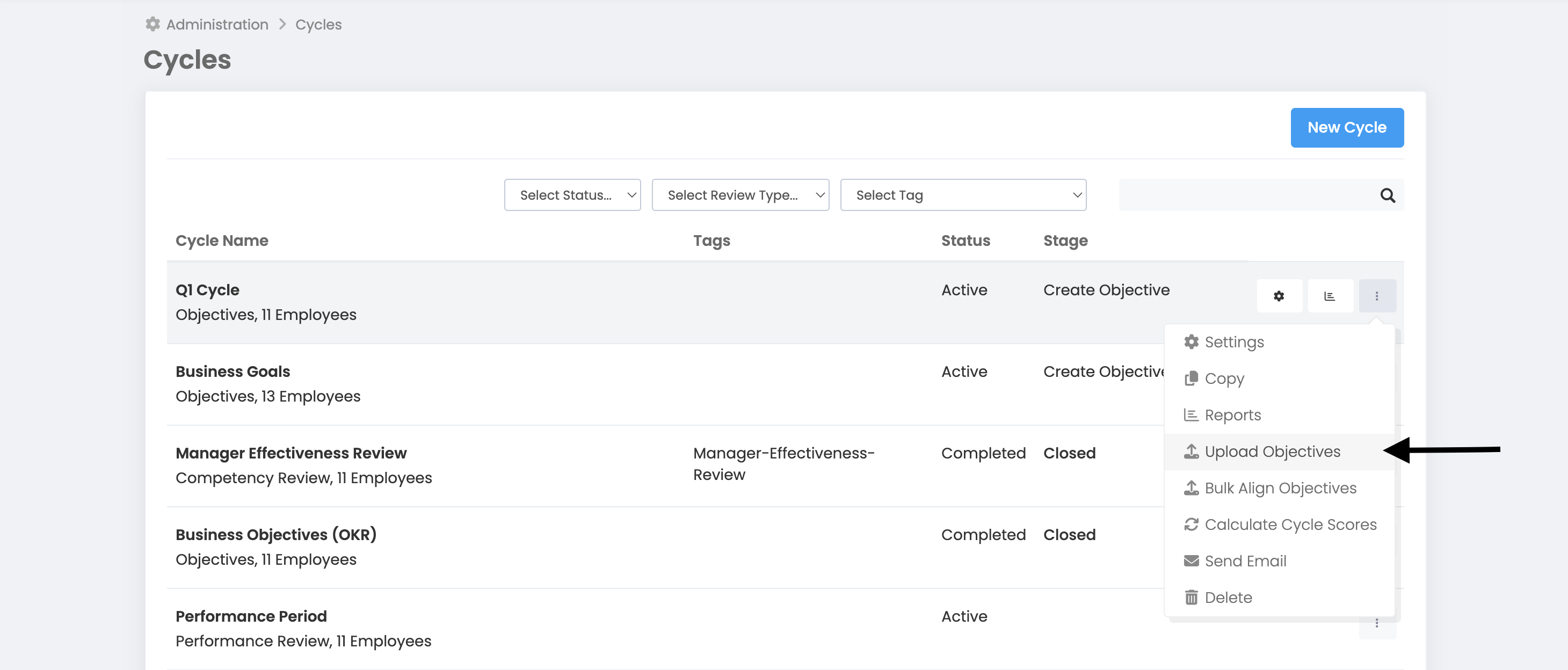
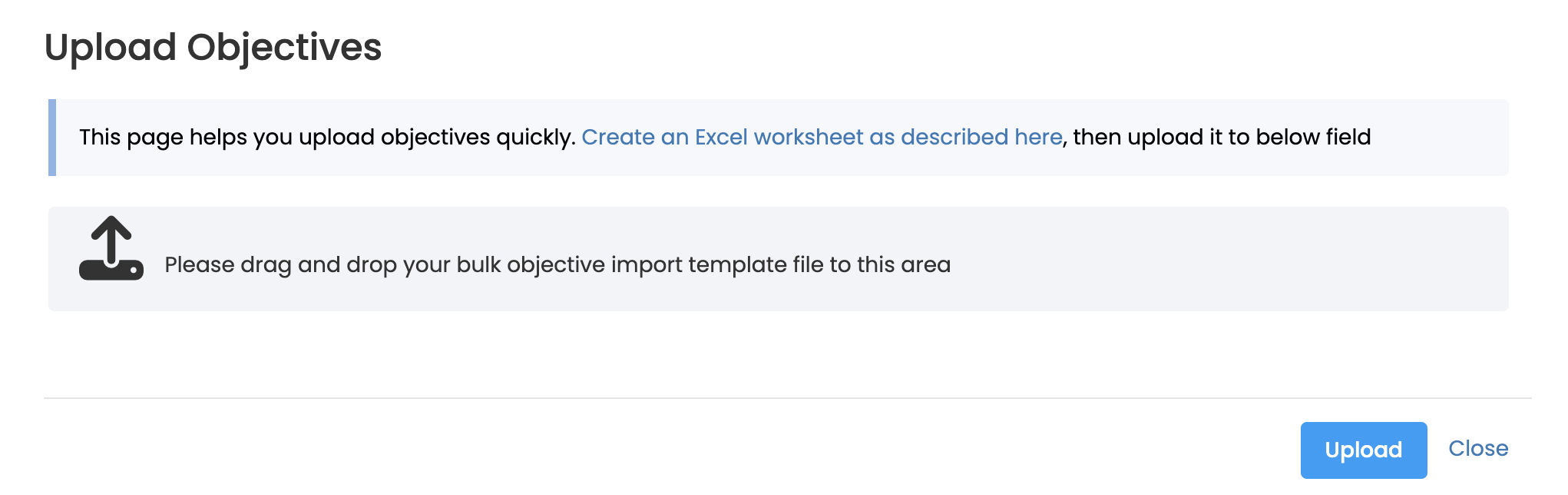
It is necessary to prepare an Excel file containing the goals and Key Result. Now we are sharing the used fields with you. You can find the sample file at the end of this article.
Excel rows; It should be created by successive scanning of the objectives and success criterion lines.
TARGET LINE
Group name: If the group is the objective, enter the group name. It must be defined in the group name.
Email: If the objective is an individual, enter the person's email address. If the email address is not found, you will receive an error.
Target Title: Write the objective.
Target Description: Write a description of the objective.
Target Date: This field must be in Excel date format.
Target Category: Make sure the category of the objective is defined in the period settings.
Target Weight: Targeting weight. It is used if the objective weight is active in the period settings. Make sure the objective weight defined as an individual or group totals 100. The system will not perform this check.
Type: Objective type. 0 should be written for the company goal, 1 for the group goal, and 2 for the individual goal.
KEY RESULT LINE
Key Result should be written on the line below where the objective values end. In this line, the usage fields used for the target should be left blank.
Key Result Name: Write the Key Result.
Measurement unit: The measurement unit or the numerical value corresponding to the measurement unit below must be entered.
%->0, TL->1, USD->2, EUR->3, GBP->4, Piece->5, Item->6, Message->7, Number of Records->8, Number of People-> 9, day->10, mvh->11, Project->12, Points->13, TL/MWH->14, Total->15, Month->16, Date->17, Week->18, Quantity ->19, hour->20, Kg->21, tCO2 e->22, TL/Kg->23, TL/Ton->24, Ton->25, Ton/M3->26, Ton/Mwh- >27, USD/Ton->28, m2->29
Key Result Initial Objective Value: The lower limit value must be entered for the Key Result.
Key Result Objective Value: The target value must be entered for the Key Result.
Key Result Max Objective Value: The upper limit value must be entered for the Key Result.
Key Result Weight: It is the weight of the Key Result for the objective. Make sure that the key result weighting feature is active in the period settings. The total weight of the Key Result for the target should be 100. Make sure this is correct. The system will not perform this check.
After pressing the Install button, you can follow your installation in the Background Tasks section.
You can follow up by clicking on the shortcut that appears on the screen or by clicking More > Administration > Integrations > Background Tasks.