
Before a user can create a objective, they must be added as a participant in the associated objective cycle.
- The employee manager can add individual objective for herself/himself and her/his subordinate employees.
What needs to be done for the manager to add a objective to the employee:
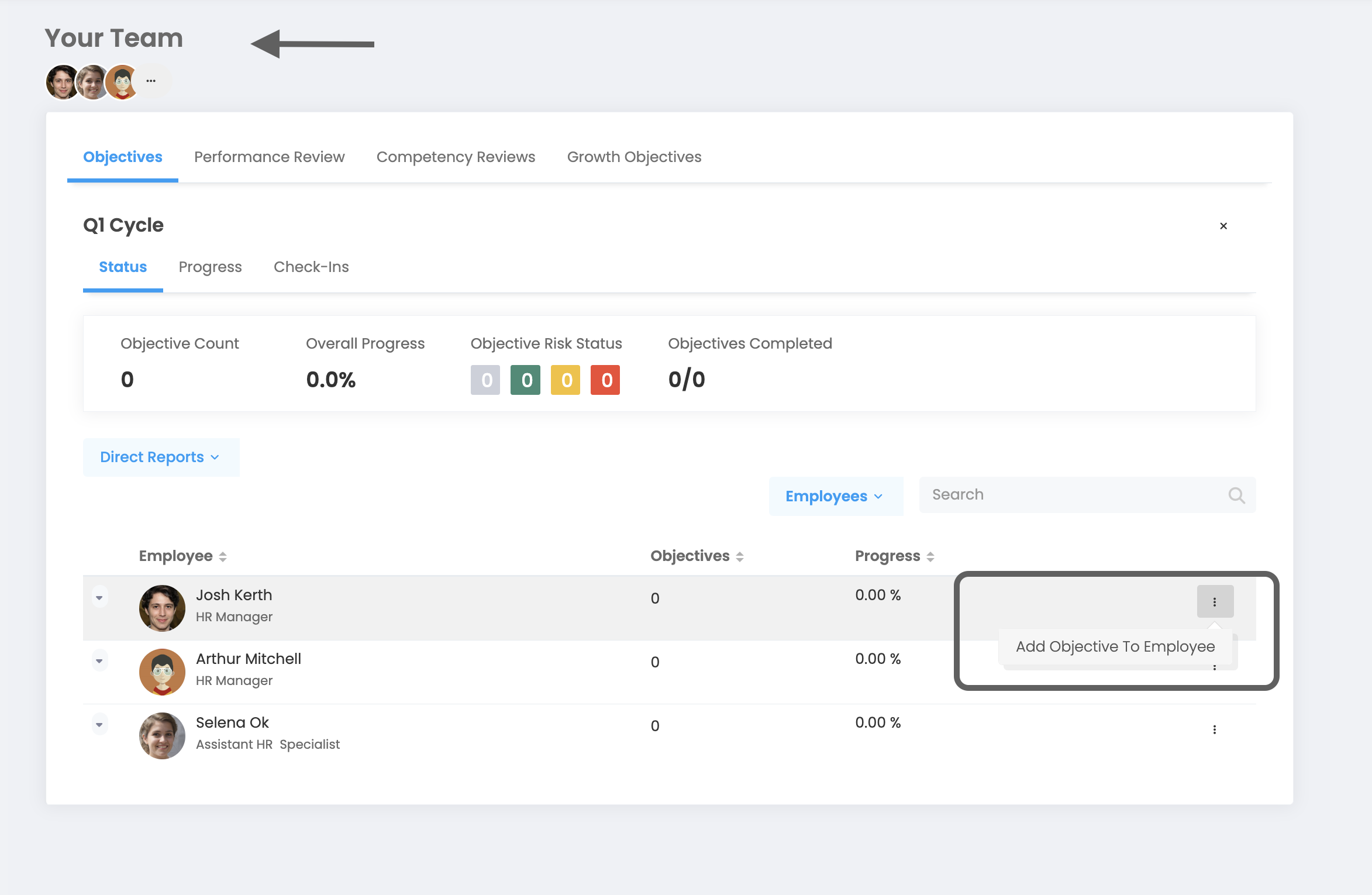
My Team > Objectives
Then, you should select the relevant cycle from the objective tab and continue. Further down the page, you'll view your manager's direct reports. You can add a target to the employee by hovering over the employee you want to add a target to and pressing the 3 dots on the right.
Note: If the Objective Approval mechanism is activated, managers cannot create obejctives on behalf of their employees.
- If the employee is a system administrator, she/he can add a company objective, group objective and individual objective.
Objectives > Create Objective
If you are a system administrator and have arrived at the objective adding page, you will see 3 breakdowns under the "Who is the target for?" question. You can select which objective you want to add and complete adding the objective.
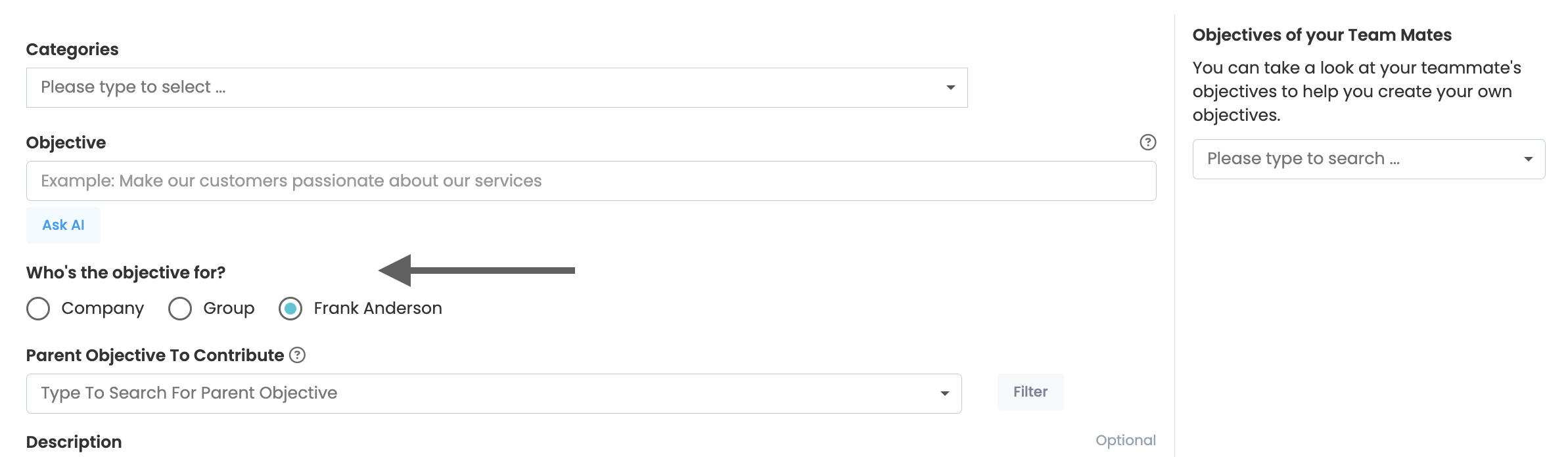
- If the employee is a group administrator, she/he can add group objectives for the group(s) she/he is an administrator of.
Objectives > Create Objective
If you are a Group/Department manager and want to add a Group objective, you can add a objective to the groups you manage by selecting the Group section in the "Who is the Target for" question.
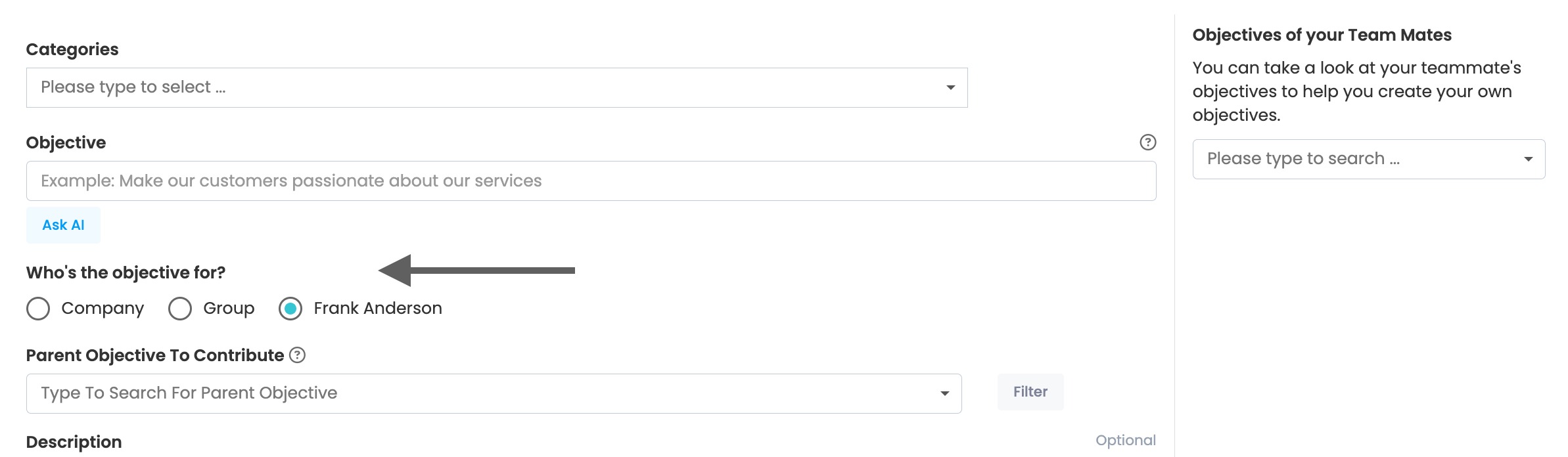
- If the employee is not an administrator or group administrator, he or she can only add individual objectives.
Objectives > Create Objective
Once you reach the page mentioned above, you can complete your objective addition.