
If you've checked in to the key result, you'll see your progress updated as well. So how is this progress calculated?
Each key result consists of lower limit (Start), limit (End) and upper limit values. Progress is calculated based on the relationship of the check-in value to these limit values.
The calculation method of key result progress is offered to the user in 2 different options. Changing the selected method while the term is in progress will not change any previous check-in progress. YOU SHOULD BE CAREFUL AT THIS POINT.
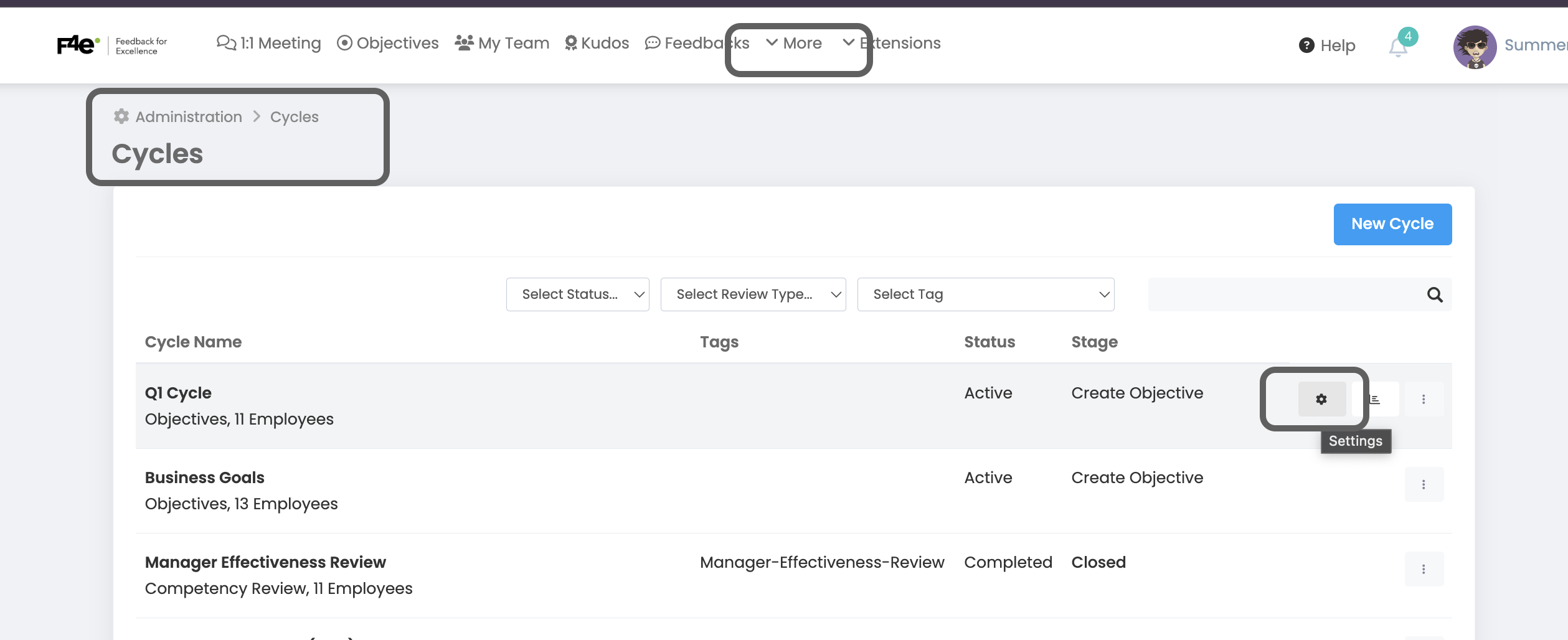
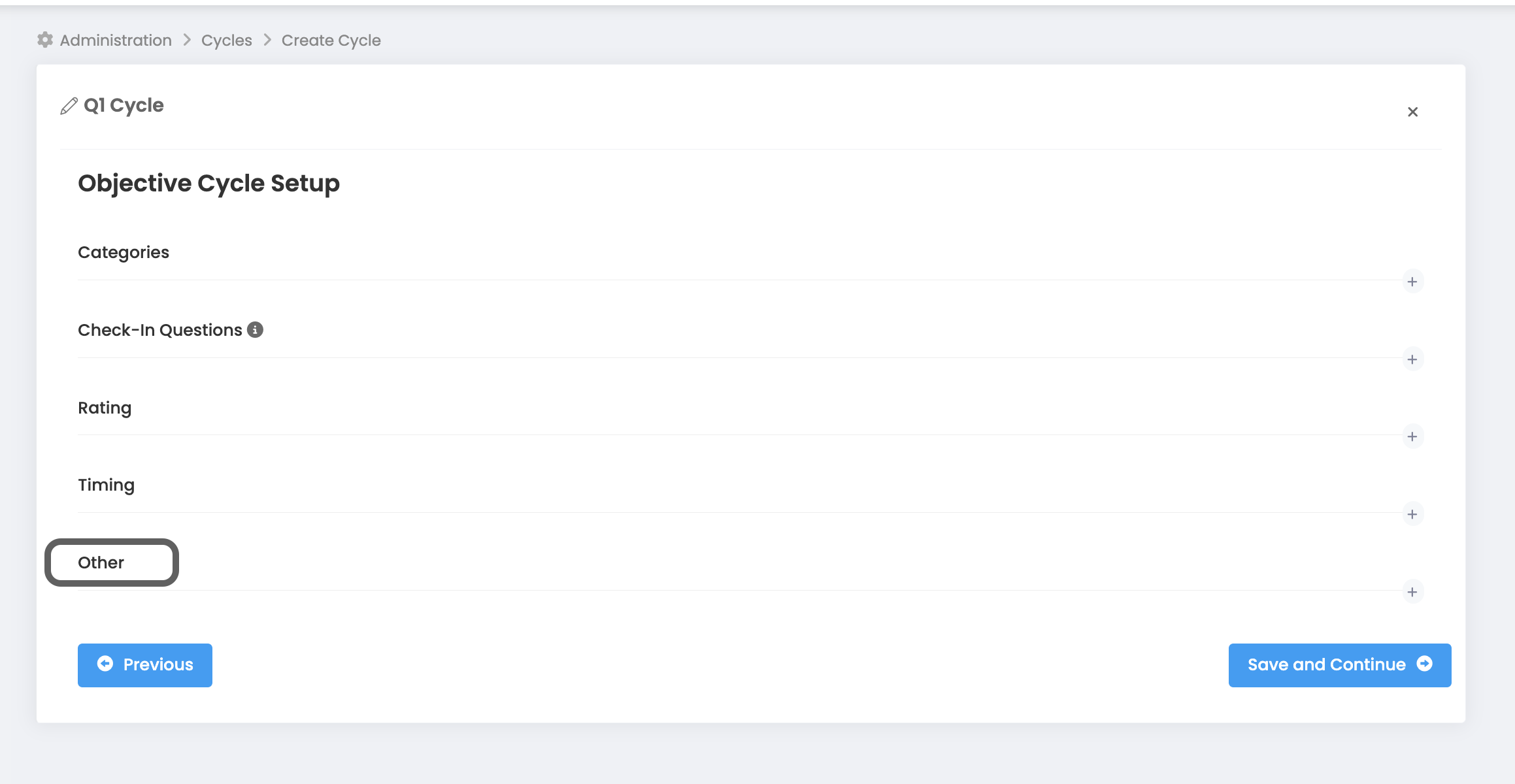
More->Administration->Cycle Management->Objective Cycle Setup ->Other->
Key result progress calculation method

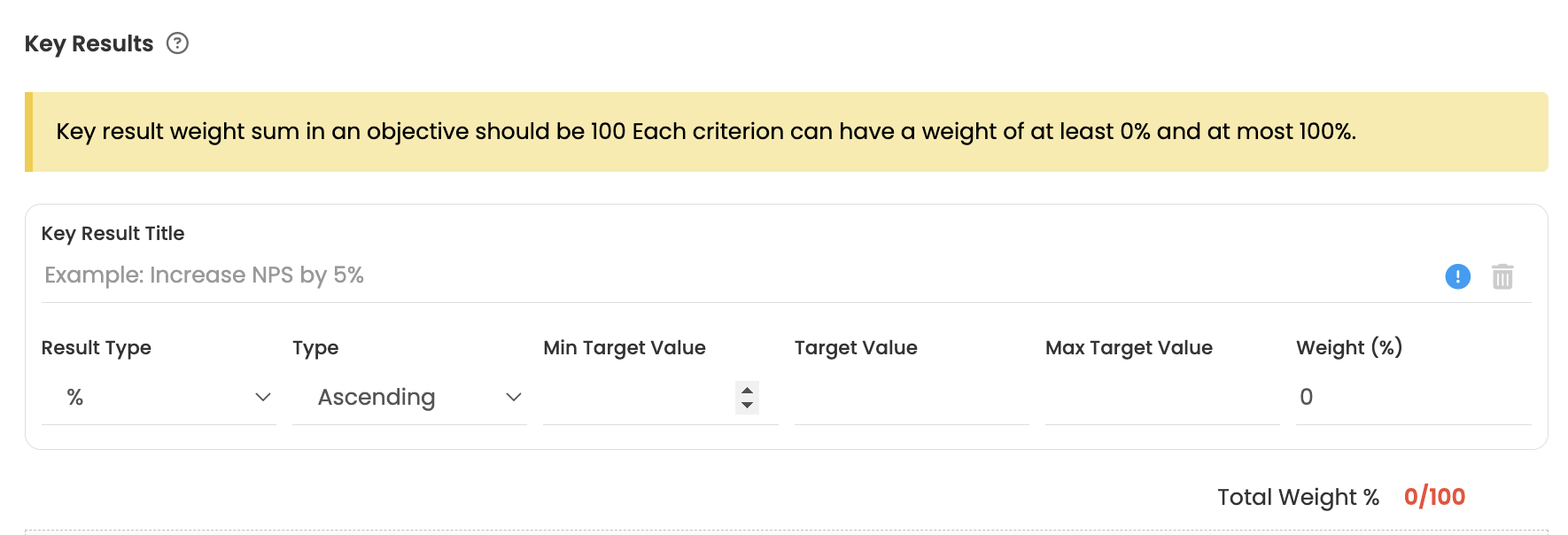
In the screenshot below, you see a sample key result and objective values.
Calculation Method According to Progress by Min KR Target Value
(Check-In Value - Lower Limit) / (Target - Lower Limit) * 100
The same formula applies for the key result type increasing/decreasing.
Let's see how the formula is calculated with 2 examples, based on the screenshot above.
Example-1
Value = 16
(16 -10 ) / (20-10) * 100 ==> 60%
Example-2
Value = 22
(22 - 10) / (20-10) * 100 ==> 120%
Calculation Method According to Progress by Target Value
Key Result Type: Ascending (Check-In Value * 100) / Objective Value
Key Result Type: Descending (Objective Value * 100) / Check-In Value
Key Result Type: For Ascending;
Let's see how the formula is calculated with 2 examples, based on the screenshot above.
Example-1
Value = 16
(16 * 100) / 20 ==> 80%
Example-2
Value = 22
(22 * 100) / 20 ==> 110%
Key Result Type: For Descending;
Let's see how the formula is calculated with 2 examples, based on the screenshot above.
Example-1
Value = 16
(15 * 100) / 16 ==> 93.75%
Example-2
Value = 8
(15 * 100) / 8 ==> 187.5%
Note: Check-In value must be between the starting (lower limit) and upper limit. The system will not allow check-in values outside this range.