
After pressing the "Create Objective" button, you receive the error "Adding new objective for this cycle is over." and if you want to activate the objective addition again, you must press the update button on the warning screen. (Note, this warning is only shown to admin users)
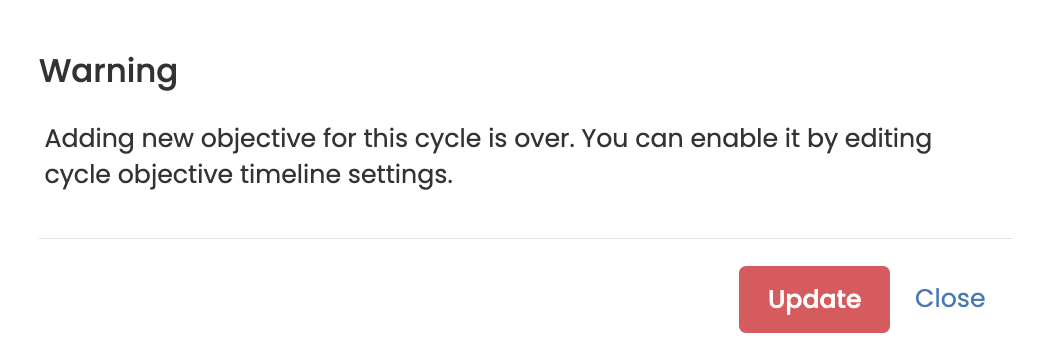
The Update button will direct you to the cycle management page.
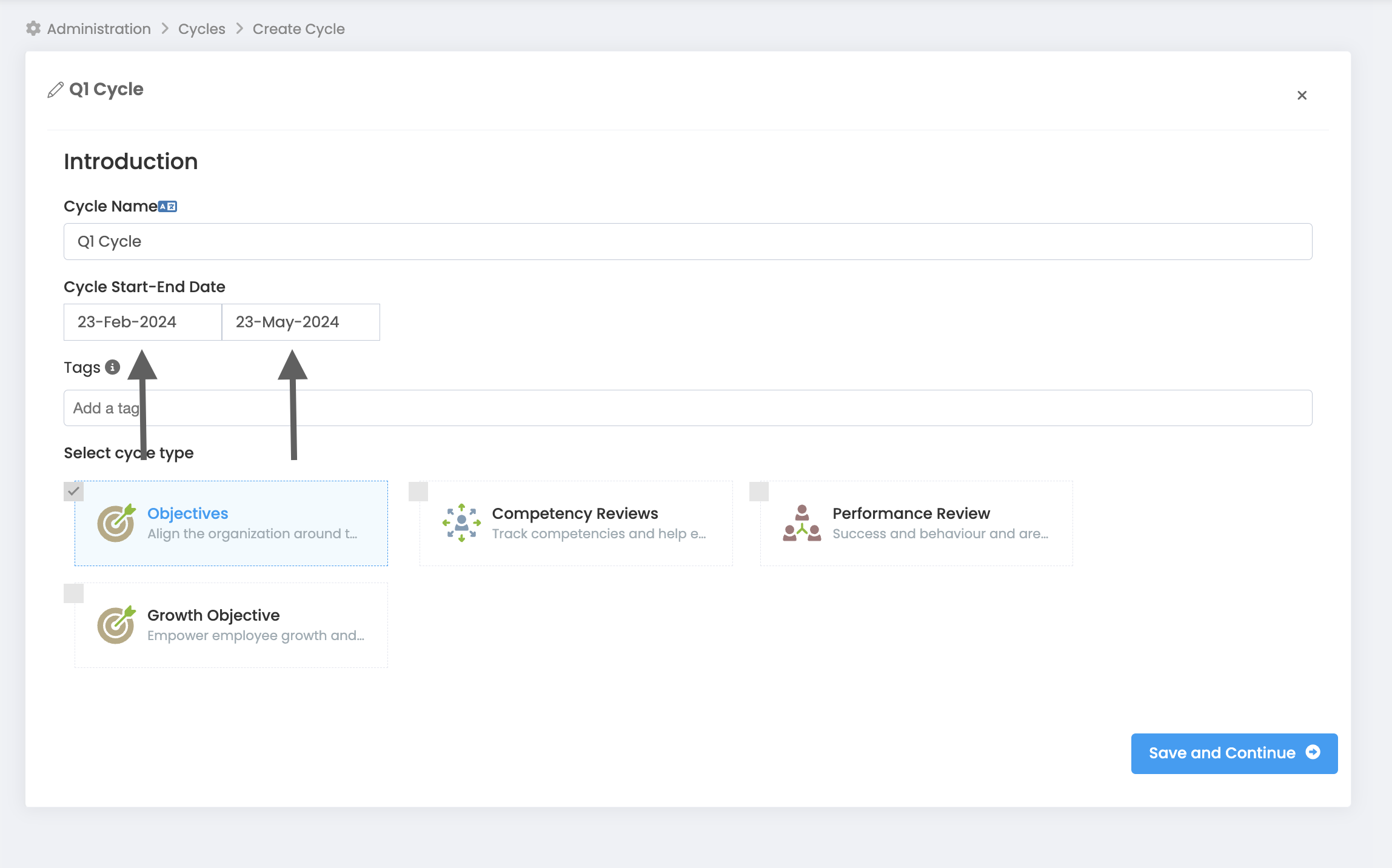
First of all, update the cycle start and end dates on the first page of the cycle settings.
You need to update the dates in the Timing section on the objective cycle configuration page on page 2.
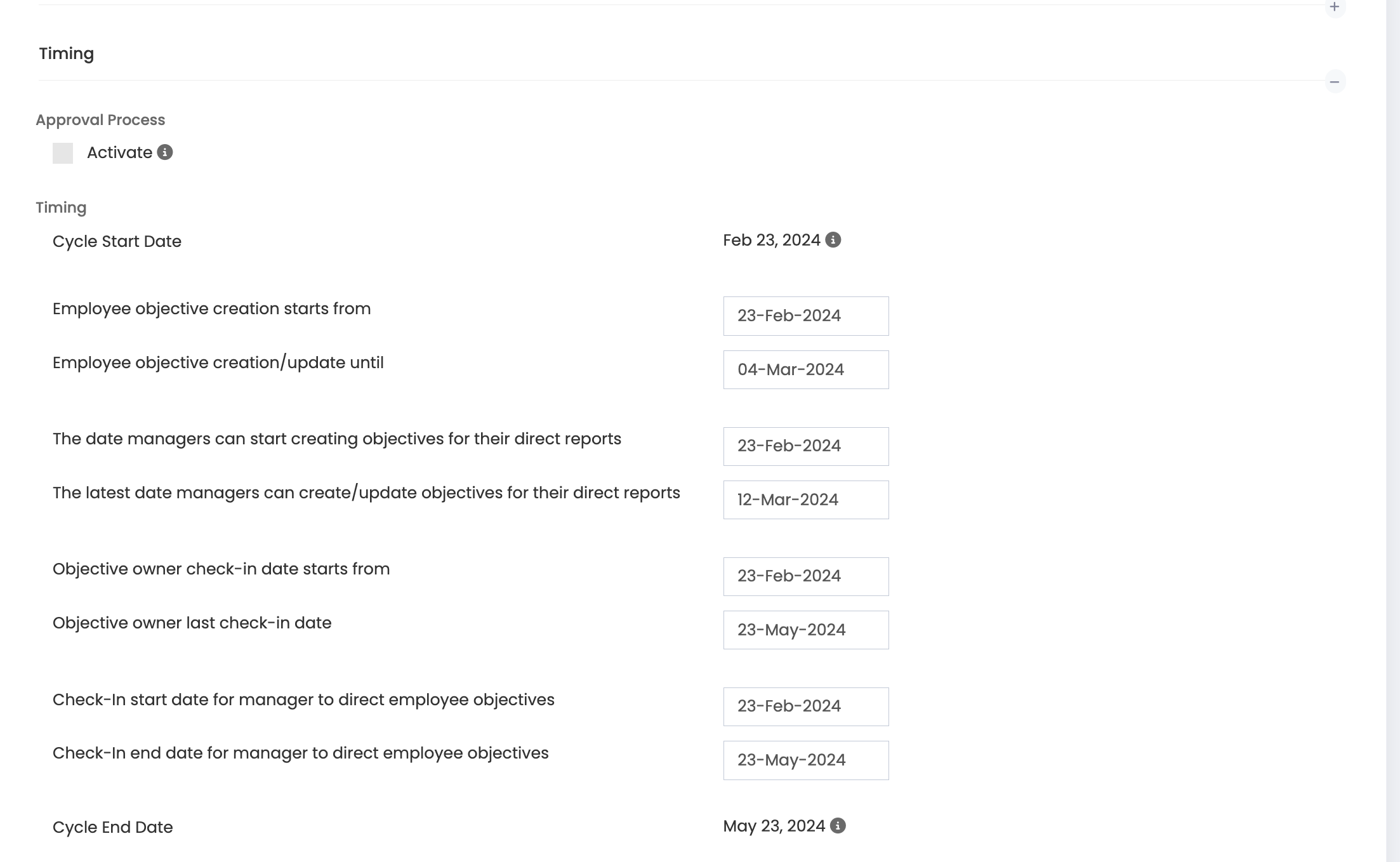
Save the new configuration by pressing the Save and Continue button.