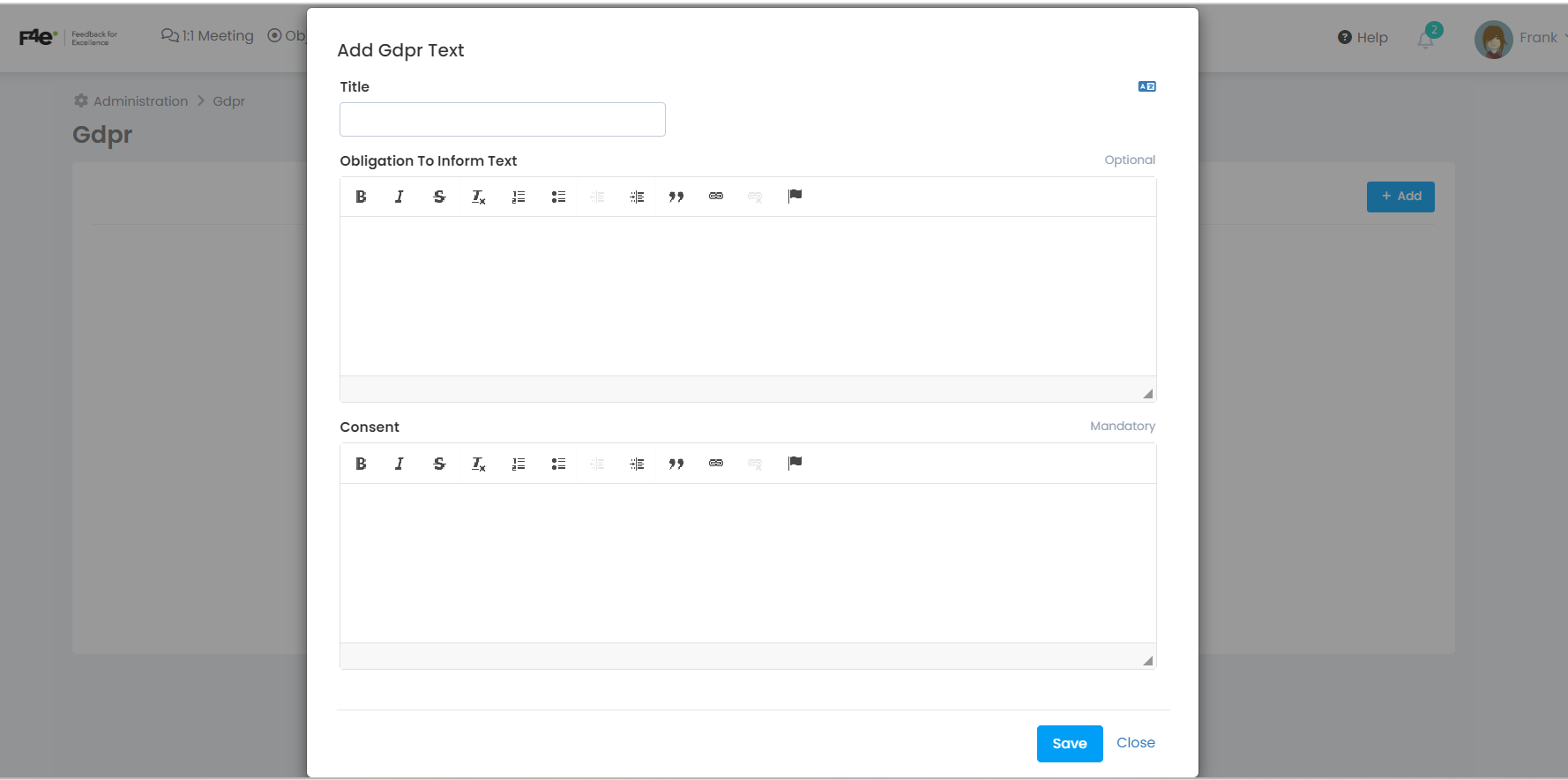
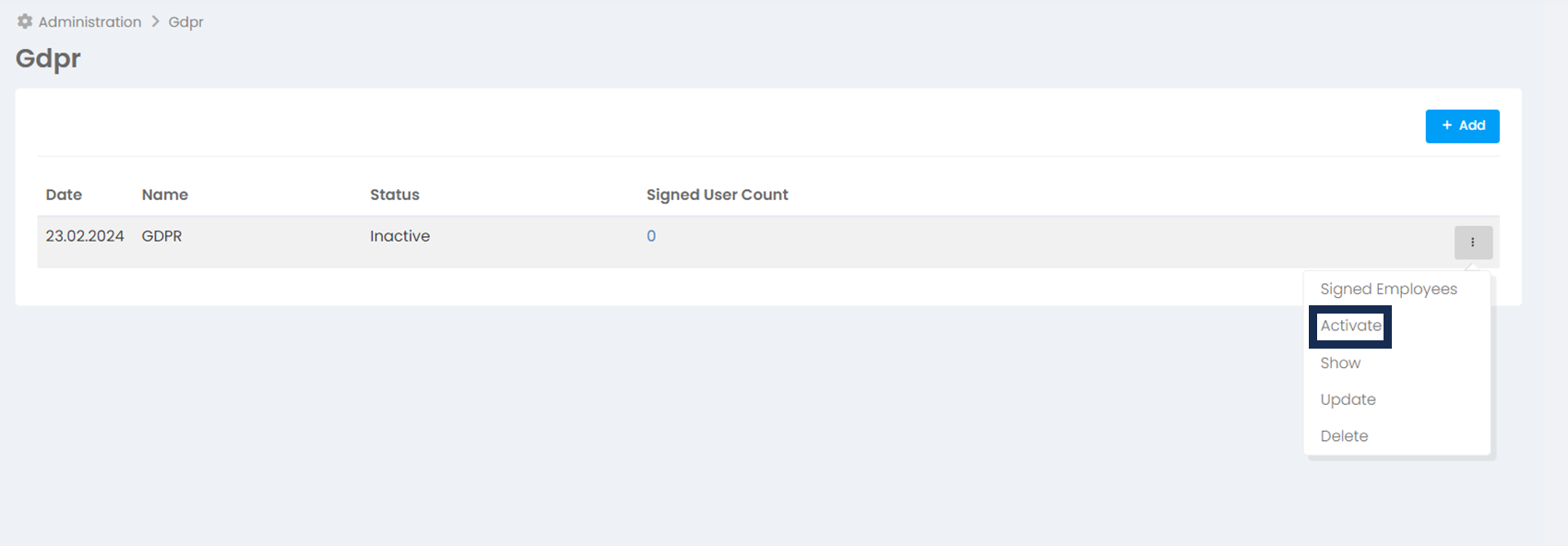
If you use SSO, you may want to get users' approval during their first login by adding your institution's GDPR texts.
If you are not using SSO, Feedback4e requires users to approve the standard "Explicit consent text" and "Privacy policy and disclosure texts". There is no need to add institution-specific GDPR text.
To add customized GDPR text
Go to More > Administration > GDPR
Fill in the Information text and Explicit consent fields and save. The text you saved will be listed as inactive. Click the activate link to activate it. From this point on, employees who have not approved the text will be confused with these texts when they first log in to their accounts and will not be able to proceed in their accounts without approving them.