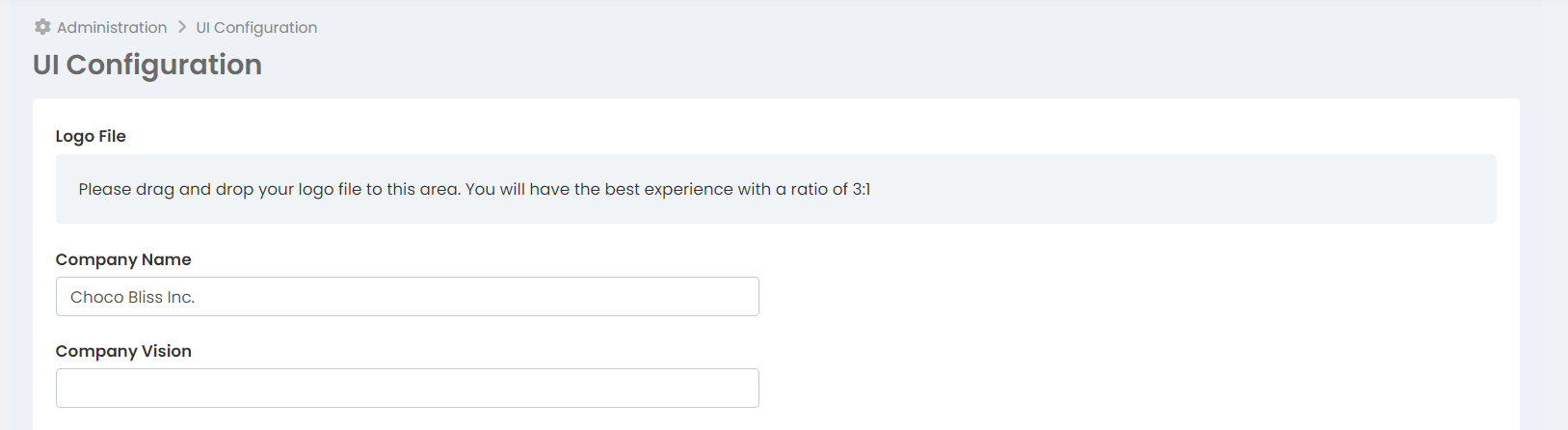
We recommend that you prepare your logo at a 3:1 ratio (120x40 px) with a resolution of 96dpi. So, after you prepare the logo, how will you upload it to your account?
Open the More > Administration > UI Configuration page.
Drag and drop your logo into the logo file area at the top. Log out of your account and log in again.