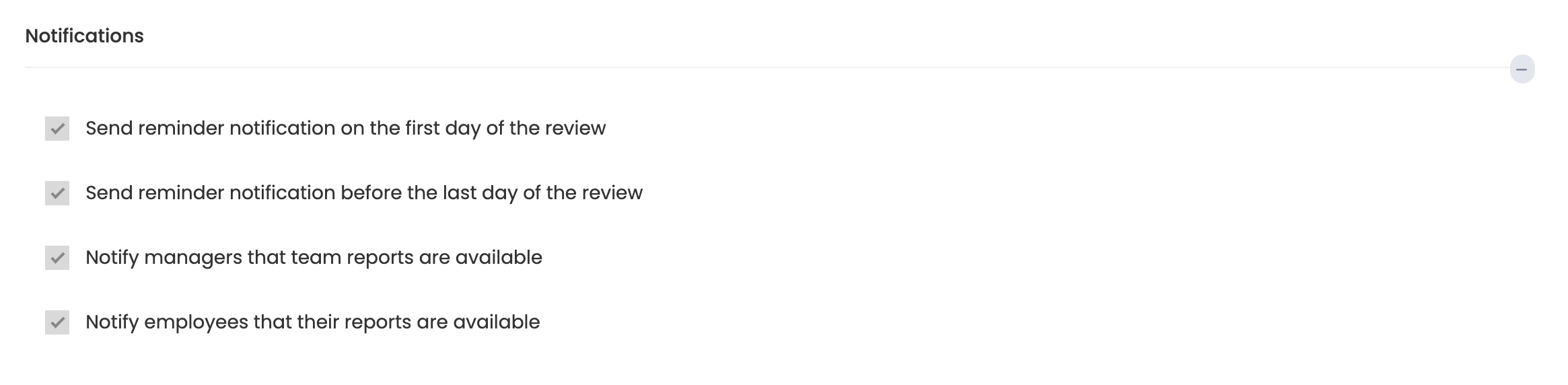
During the competency review period, Feedback4e may send reminder and information messages to term participants. You can see what these messages are and decide which ones to send. To do this, you need to go to the competency period settings. You will see the messages listed in the notifications section. You can determine which ones will be sent by clicking on them.
Click More > Periods > Settings button for the relevant Period.
Open the notifications section on the 360 competency feedback period setting page on the next page and make the necessary adjustments.