"Discover your potential" is a competency/skill based instant feedback tool. Users can choose at least 2 of the competencies defined in their accounts at any time and ask their colleagues (360 degrees) to give them feedback. In this way, they can regularly and continuously monitor the skills and competencies they want to develop and manage their own development in these areas.
There are instant feedback modules in the platform such as "Discover your potential", "Ask for feedback" and "Give feedback."
How to Ask for Feedback
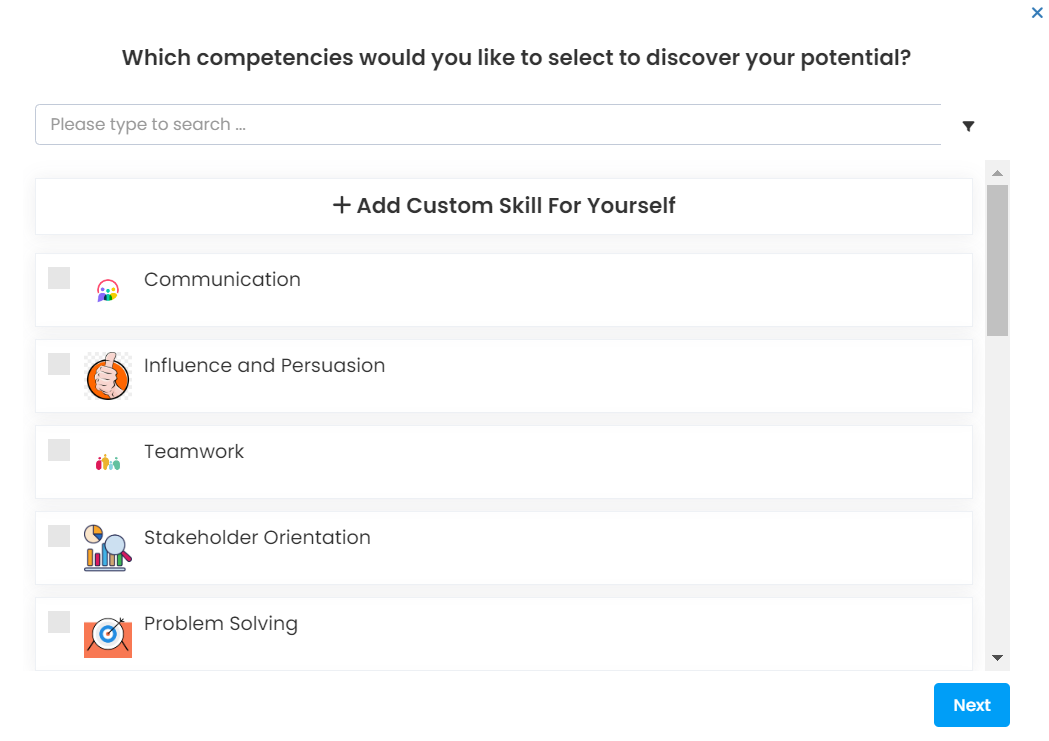
- The user selects the competencies for which he/she wants to receive feedback.
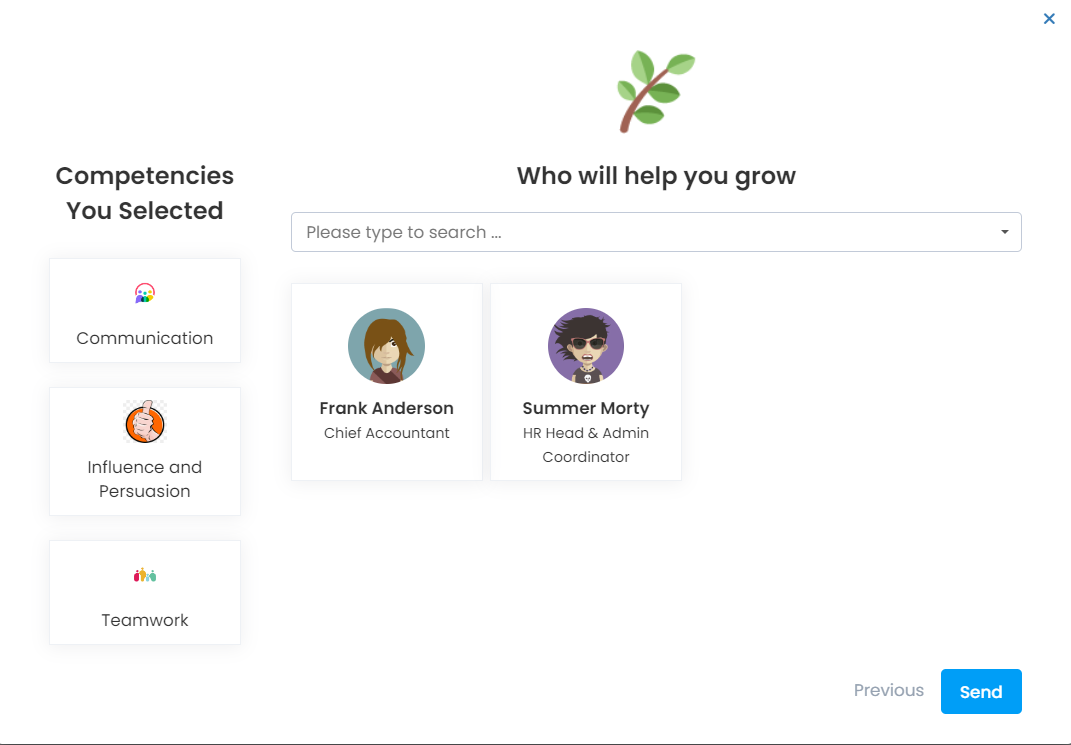
- It determines who will receive feedback and submits the feedback request. There is no limit on who he/she asks for feedback. Can request feedback from all defined users. A feedback request is sent as a notification via e-mail.
How to Respond to Feedback
Feedback requests are listed on the home page. If the cancel button is clicked, the request will no longer be listed in this area. This means the user does not want to respond to feedback. If he wants to reply, he must click on the "Give Feedback" button.

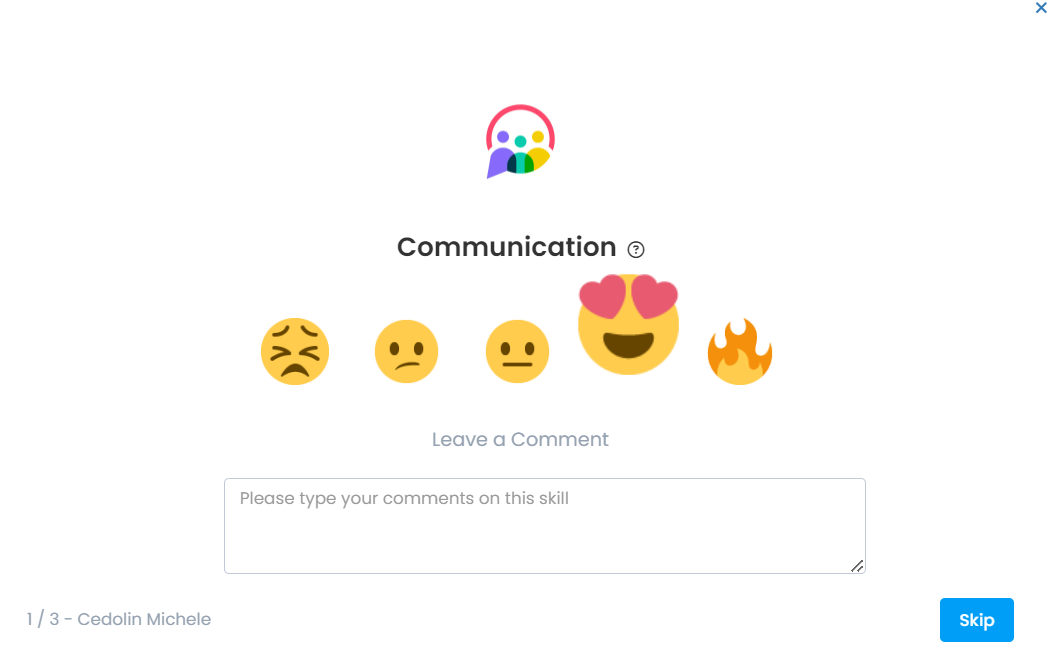
The competency evaluation screen opens and the user must make evaluations for each requested competency