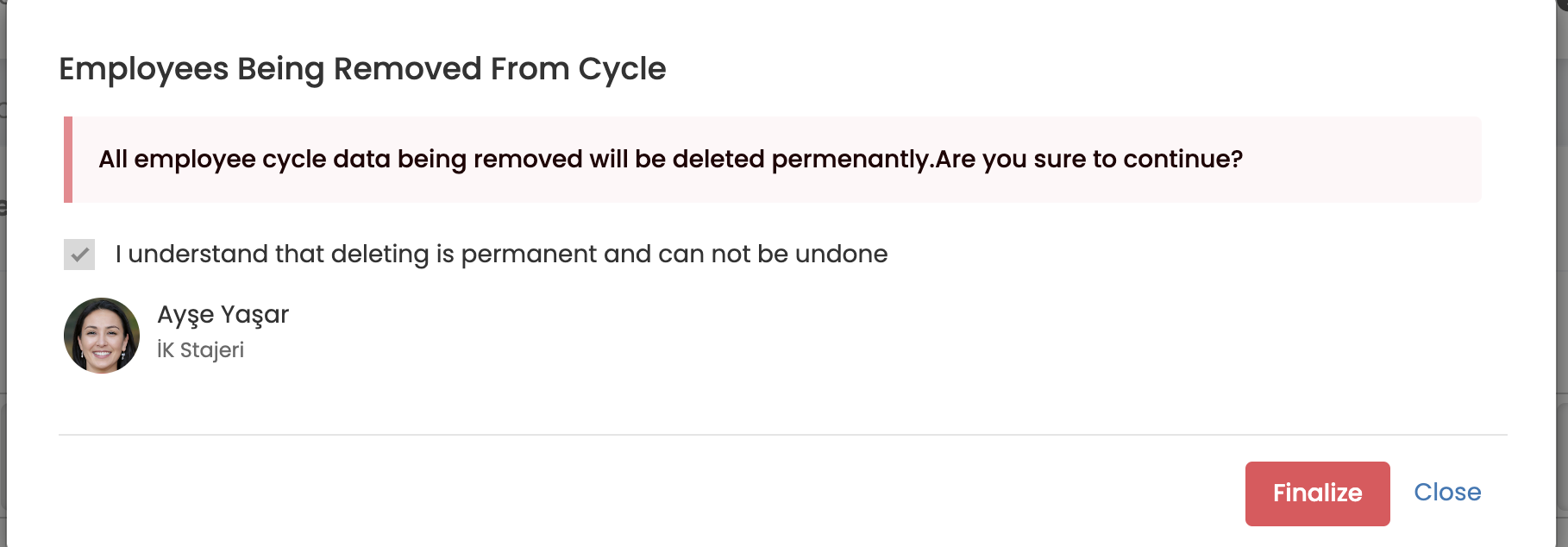
In some cases, you may want to remove participants from the period. For example, some of your colleagues left the organization during the semester, but you added them to the semester beforehand.
So how do we remove participants from the period?
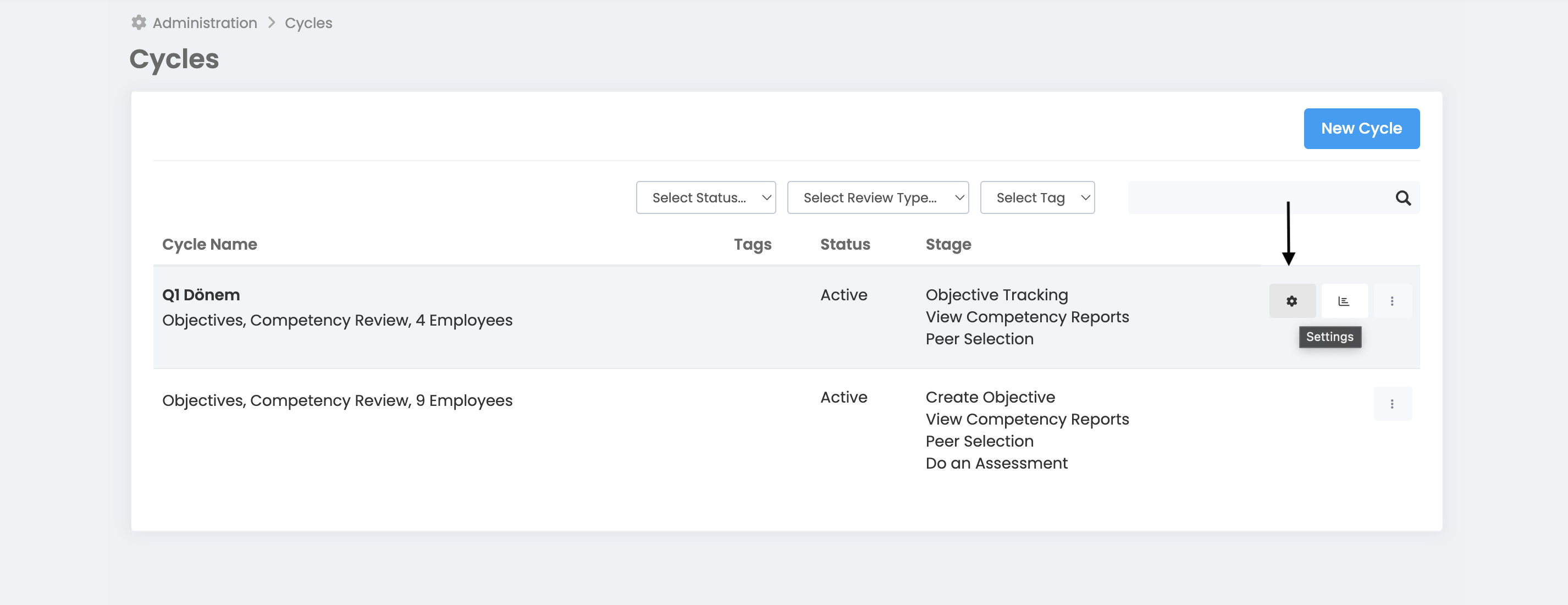
More > Management > Term Management
Select the relevant period and click on the settings button.
By clicking Save and Proceed, you should come to the screen where the participants selected during the period are listed.
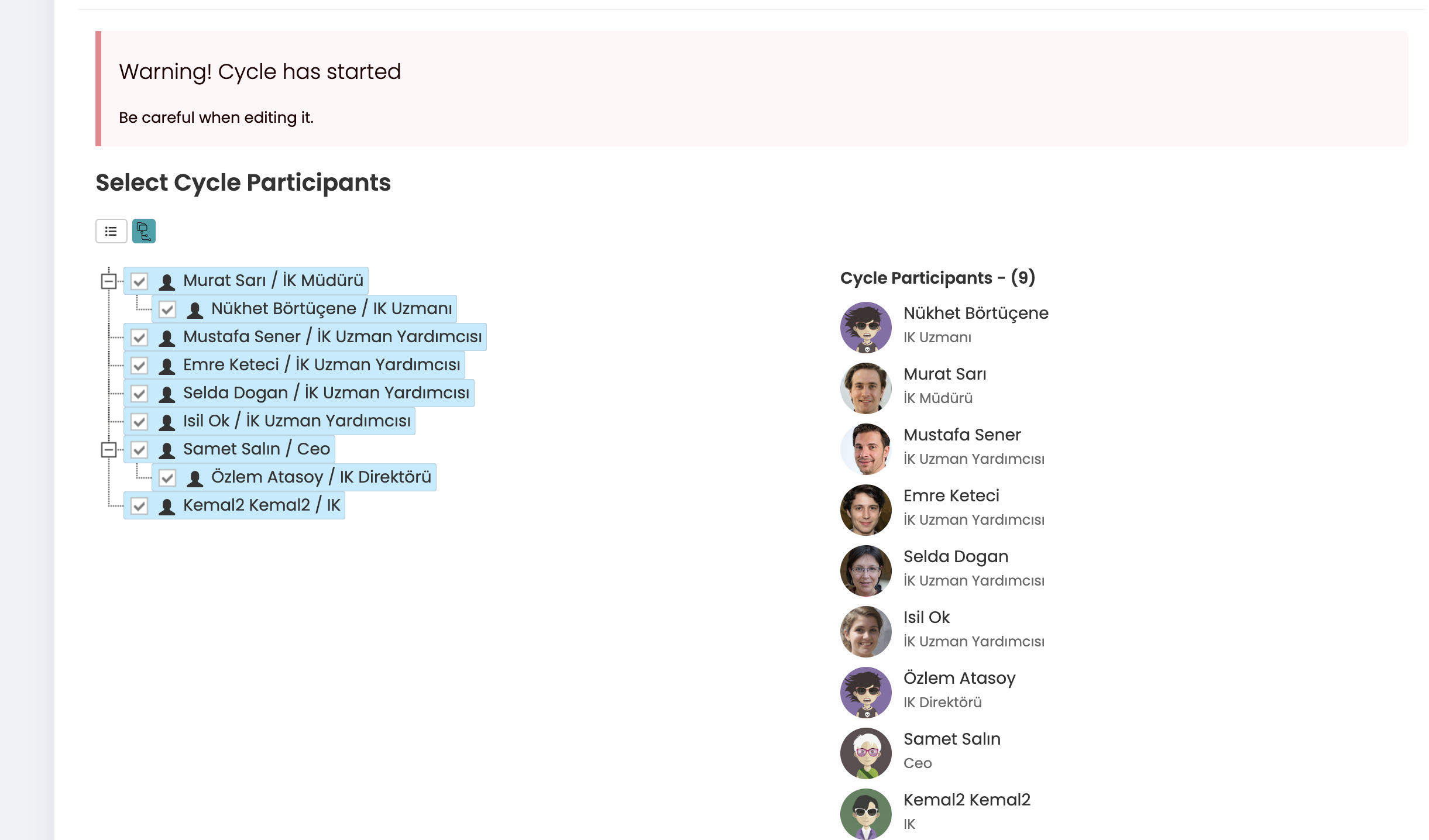
On this screen, you must select the participants you want to remove and ensure that their selection marks are removed. (Attention, select only the users you want to remove and check the last participant list in the Term Participants list on the right)
With Save and Proceed, you should proceed to the final step, the Complete screen. After pressing the Complete button, the system will present the list of users you are removing from the period. If you approve, click the Complete button for the last time to remove the employee from the period.