
As admin, we want to login to another user account. So how do we do this?
More > Management > Employees
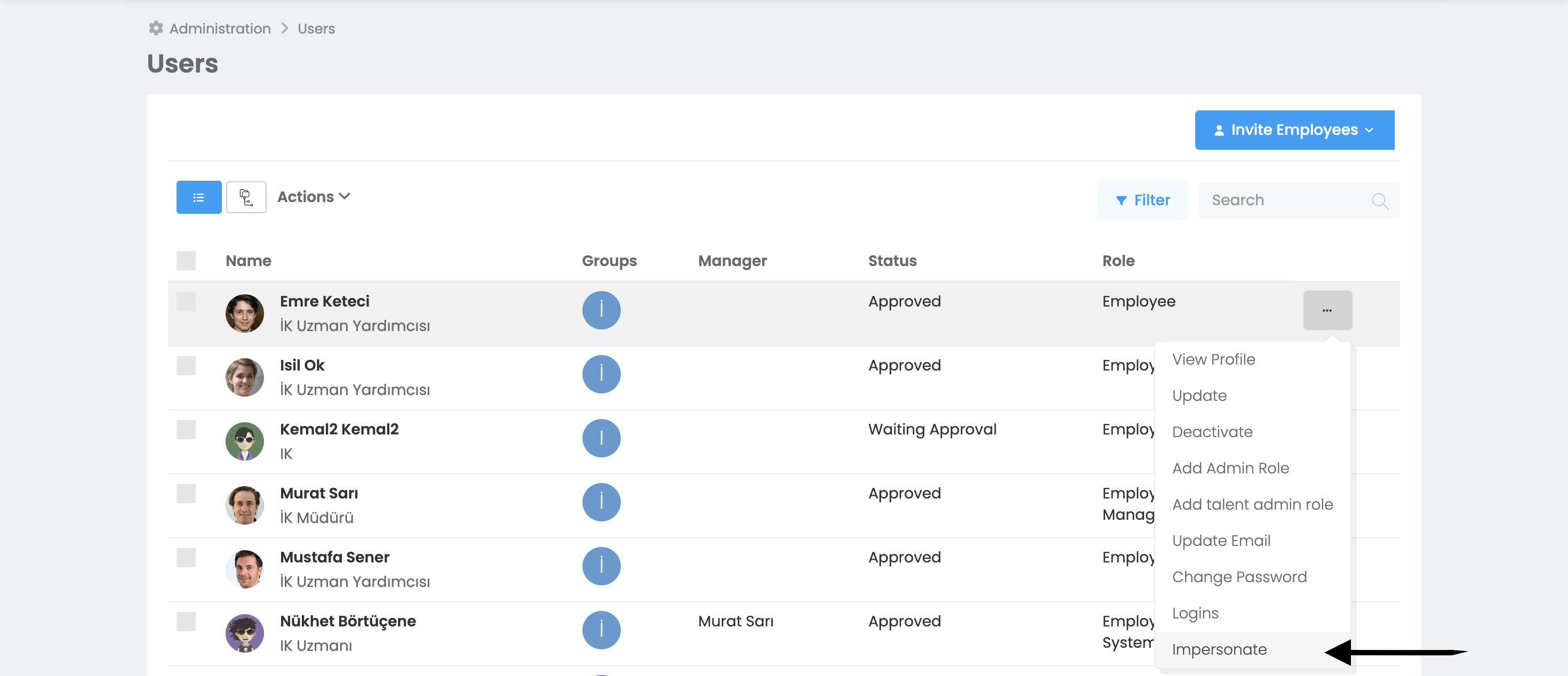
You will see that there is an ellipsis box at the end of each user page. You can login to the account by clicking on the box next to the user whose account you want to login to, and then clicking on the "Connect to Account" option.
To log out of the user account, you can log out of the account by clicking on the user name in the upper right corner in the picture below and clicking "Log Out".
