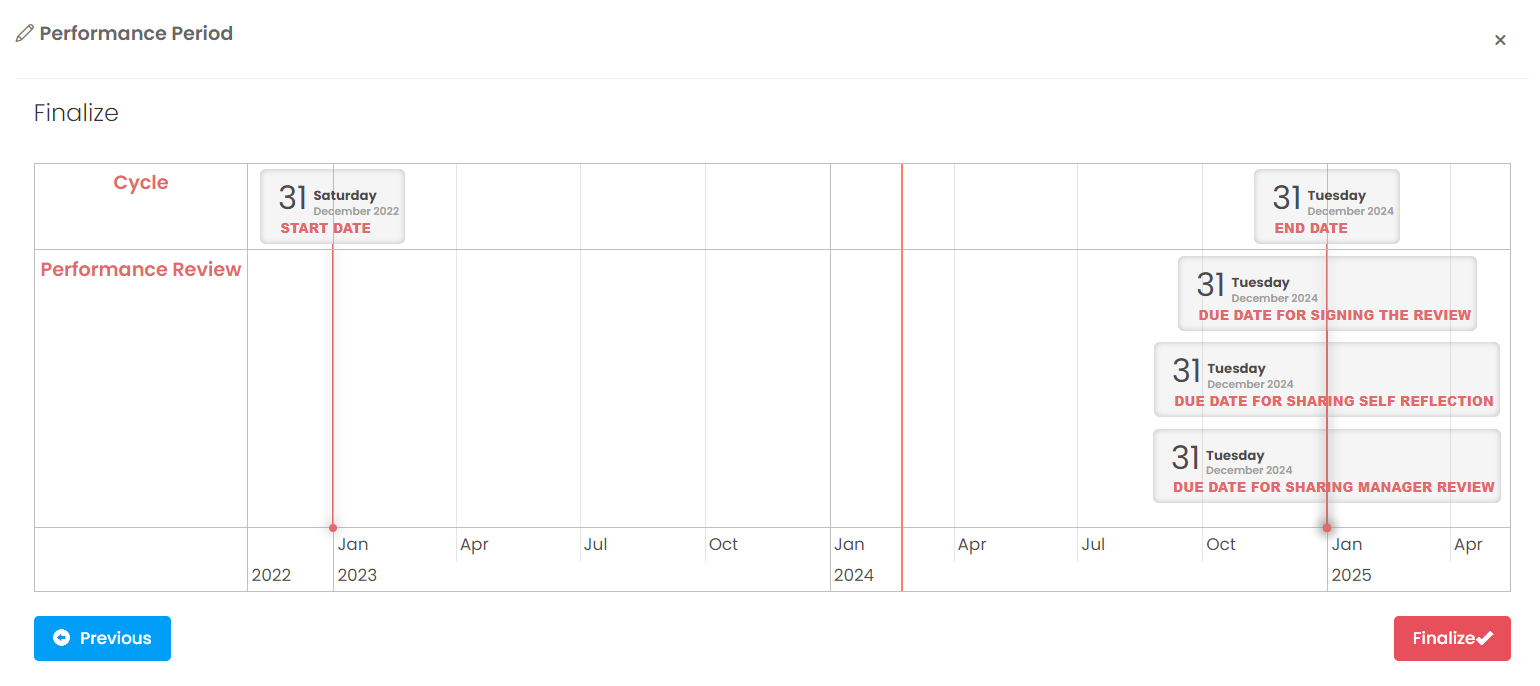
To create a performance evaluation process, you need to create a new period. For this follow below steps
More > Administration > Cycle Management > New Cycle
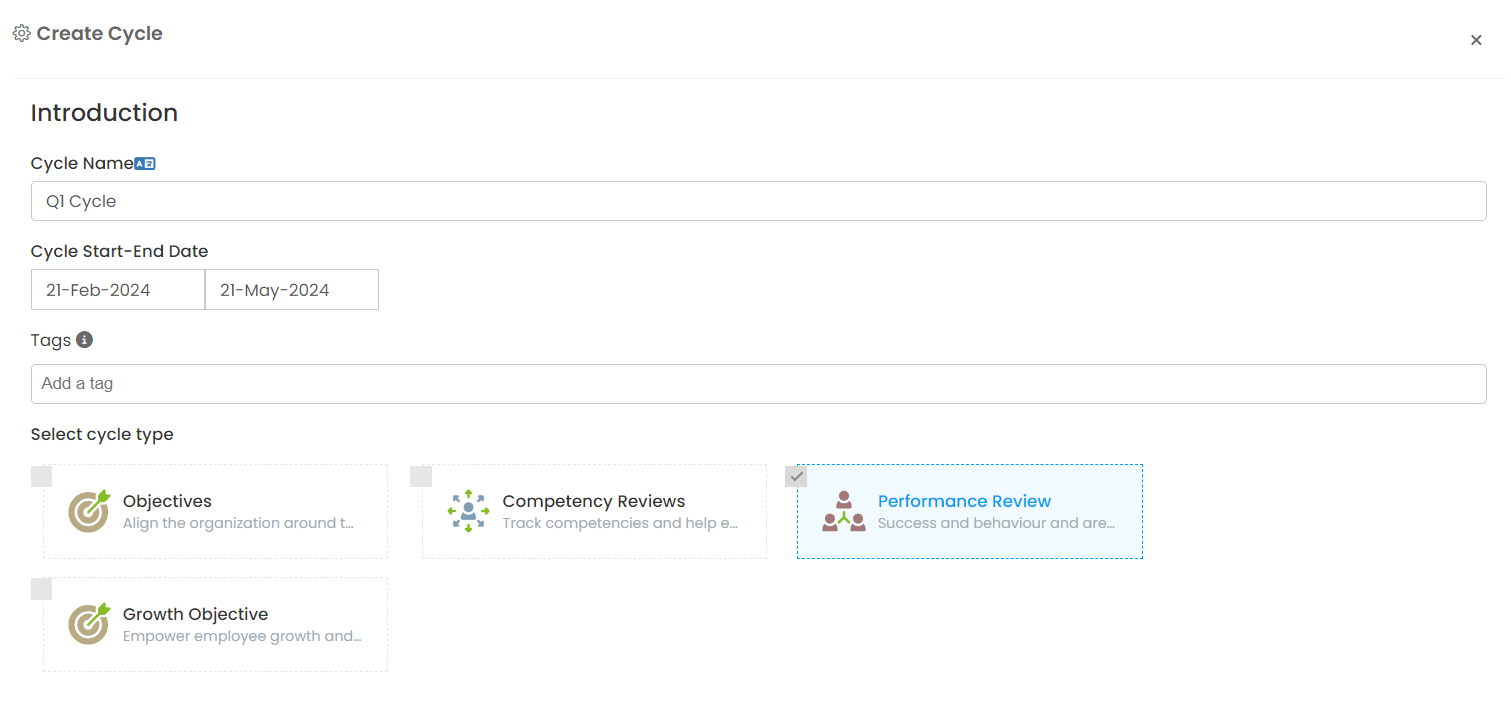
Cycle Setup
On this page, you need to make period settings. The settings page consists of 4 different categories.
- Questions
- Rating
- Timing
- Advanced
Questions
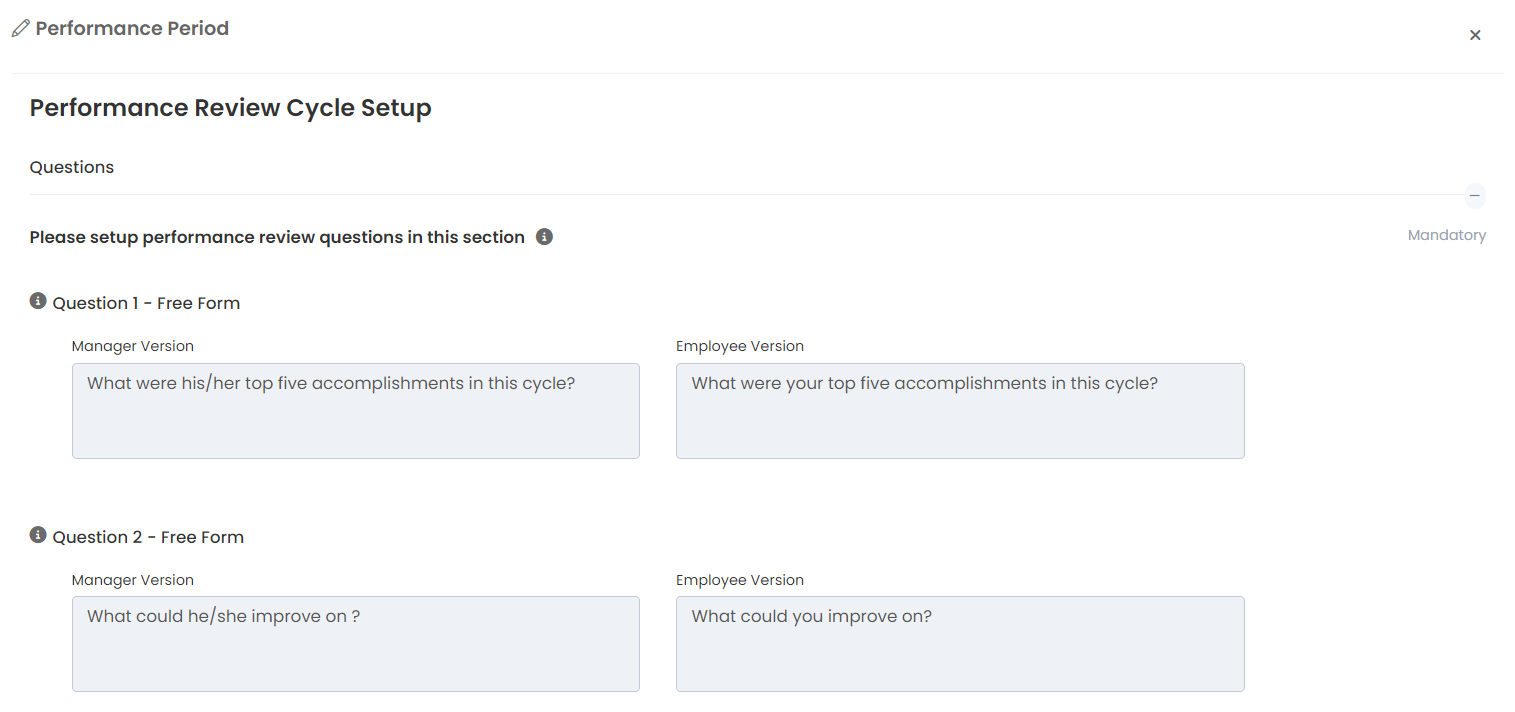
Questions to ask employees and managers
In this section, you need to define the evaluation questions to be asked to the employee and manager. First of all, you need to determine for whom the problem will be defined.
- If you select Manager, the question will be answered by the manager and the answer will not be shared with the employee.
- When you select an employee, the question will be answered by the employee and the answer will not be shared with the manager.
- When you select Both, the employee version of the question will be asked to the employee, and the manager version will be asked to the manager. The answers of both will be shared with each other.
You can add a description field for each question. This description field is displayed by the user by clicking on the information icon next to the question to be included in the evaluation form.
You can choose whether the question is mandatory or not from the settings section below the question.
You can define 3 types of questions to add to the evaluation form
- Open Ended
- Multiple choice
- Multiple Choice
You can choose which type of question you want to add by using the buttons below the last question.
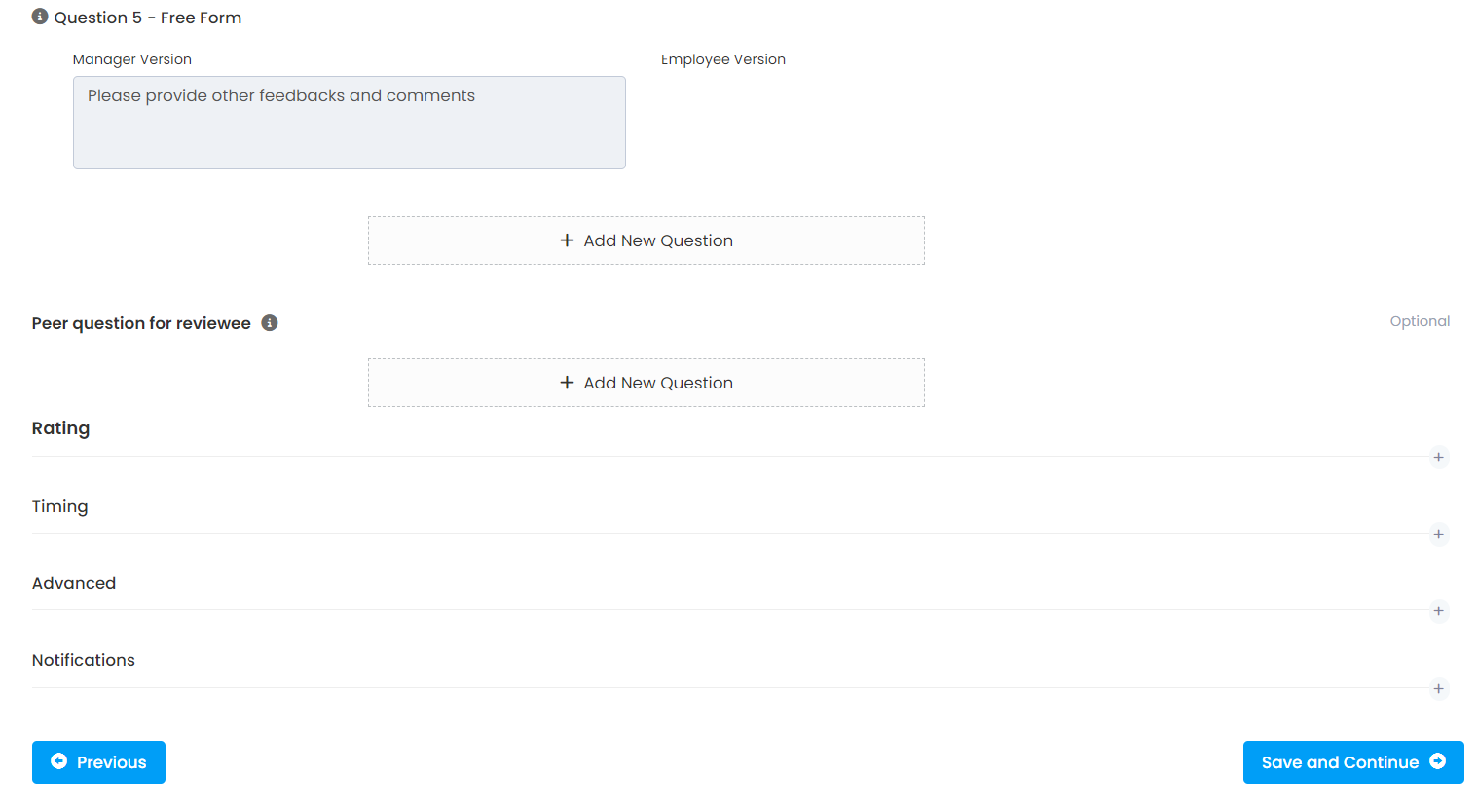
PS1: If scoring is not used in the employee or manager evaluation form, at least one question must be defined. With this tool, an evaluation form cannot be defined only for managers and employees only. The process must be defined in a shared manner between the manager and the employee.
Questions to ask peers
The questions to be asked to colleagues can be defined by the employee's manager for a more accurate evaluation. For the evaluated employee, the manager sends a feedback request to selected colleagues to answer the questions.
As in the evaluation form, three different types of questions can be defined.
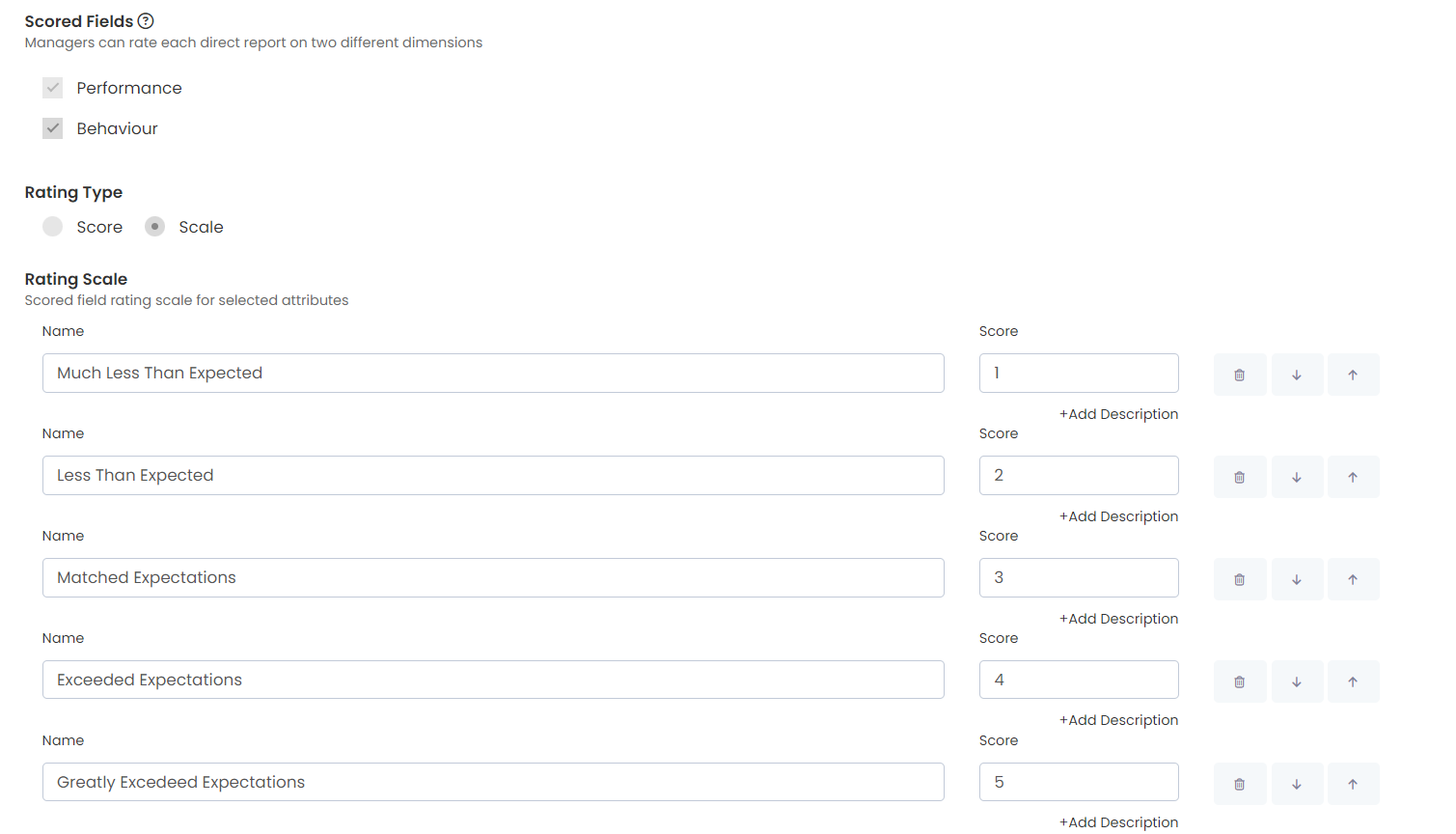
Rating
Managers evaluate their employees and employees evaluate themselves in two different dimensions.
- Performance
- Behaviour
The defined score scale is valid for both dimensions. You can change the definitions on the scale as you wish. The score section in the definition is not shown to employees. Employees make scores using the scale name and see the results. Points are tracked by administrators and system administrators
You can omit scoring if you wish.
Timing
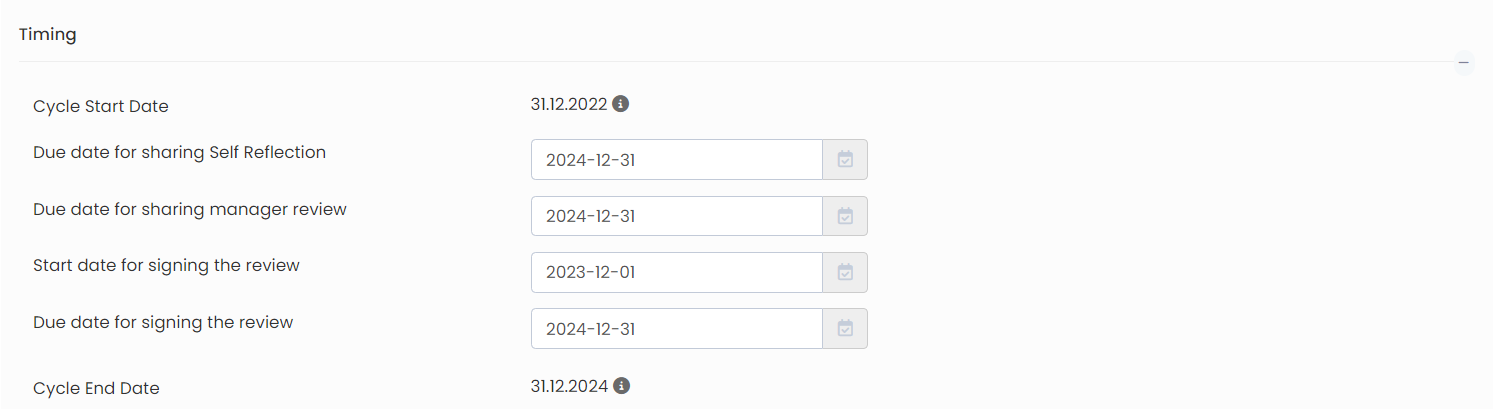
This is the section where you need to define the times of the process.
- Employee self-evaluation sharing deadline
- Manager review sharing deadline
- Date of opening of the evaluation for signature
- Evaluation closing date for signature
Advanced
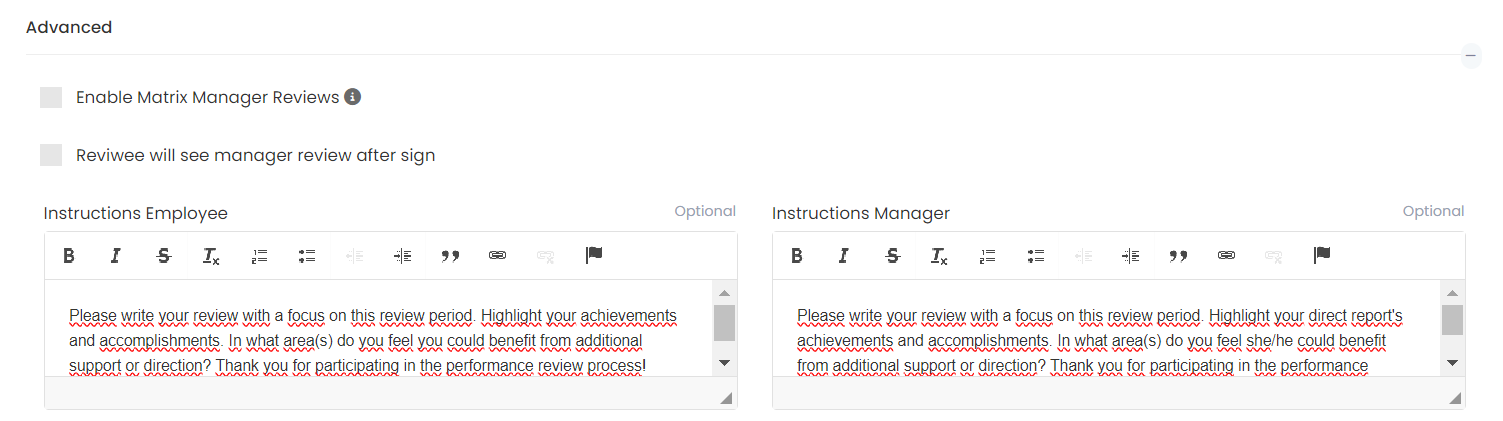
In this tab, you can define instructions for the employee and the manager, and have them evaluated by the employee's second manager or matrix manager. There are two different forms for employees who are Matrix managers. The employee enters the performance evaluation process separately with the matrix manager and the first manager.
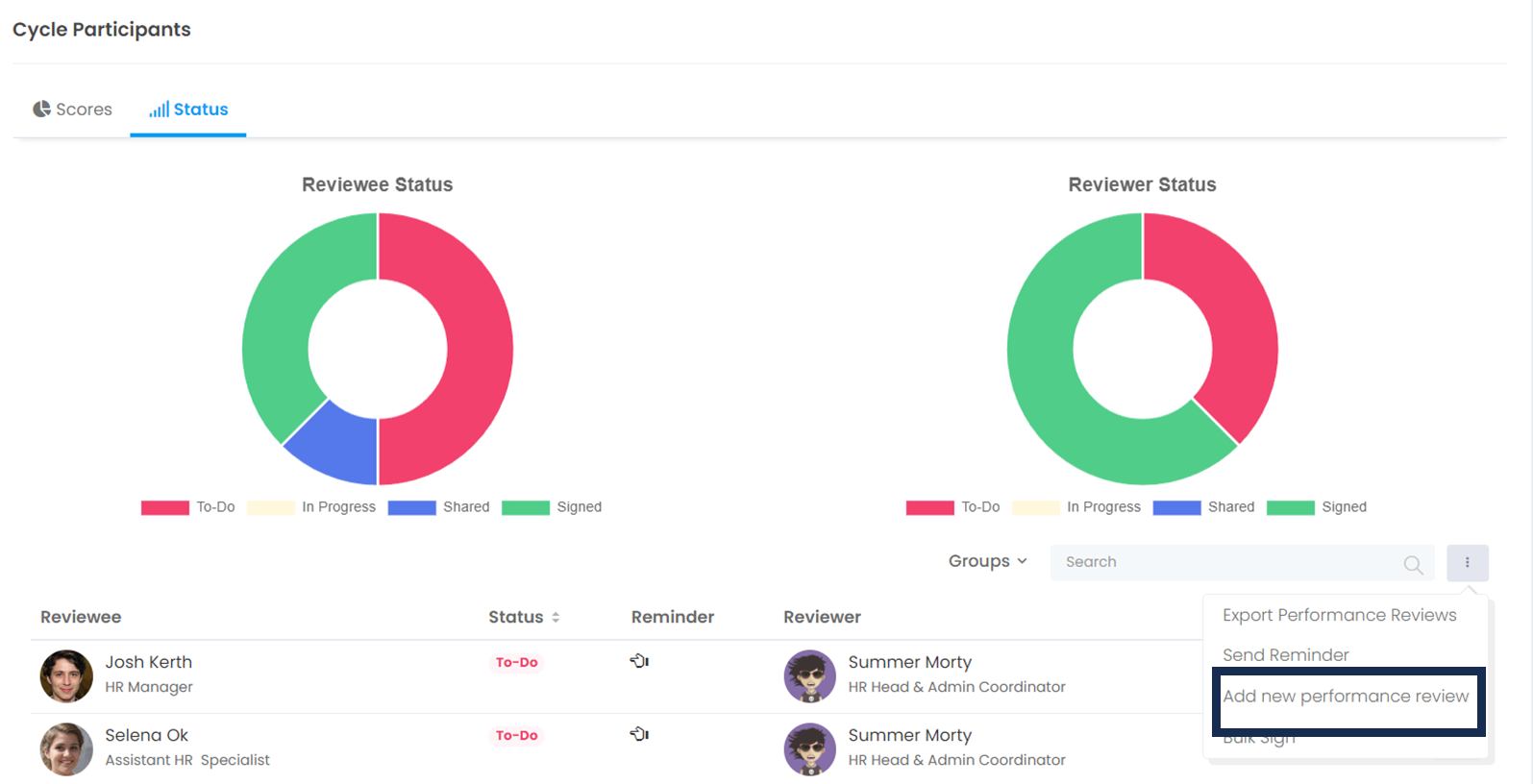
While setting the period, the system administrator should decide "Let the matrix manager also evaluate the employees" before adding the employees to the period. Otherwise, the matrix will have to add the administrator manually.
If you forgot to add the matrix manager, how can you add it manually? (You can see how to do it from the link below)
https://feedback4e.freshdesk.com/a/solutions/articles/80000975767
If you have defined questions for peers, you can manage the following 3 options in advanced settings.
- Disabling the ability of the evaluator to withdraw evaluations made by peers after they are shared with the manager
- Maximum number of evaluators that the manager can select as evaluators
- Instruction field to be displayed to the manager when selecting a peer rater
Select Cycle Participants
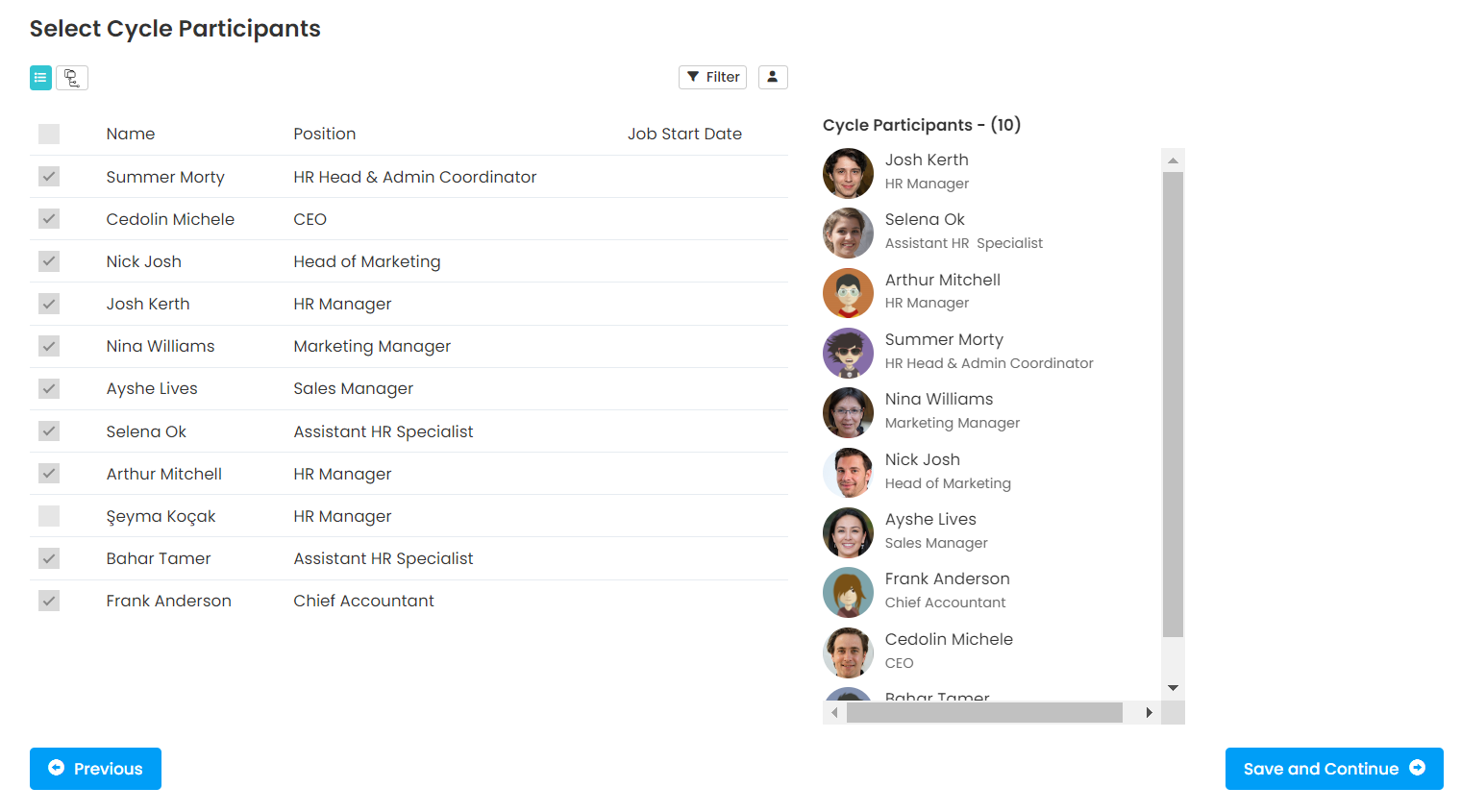
In the next step, select participants to add to the period
Create Cycle