
Employee Password Update by Administrator
You can update the password of employees. For this you need to follow the steps below:
Note-1: This method is valid if Standard Email is selected in the session login settings.
More > Management > Employees
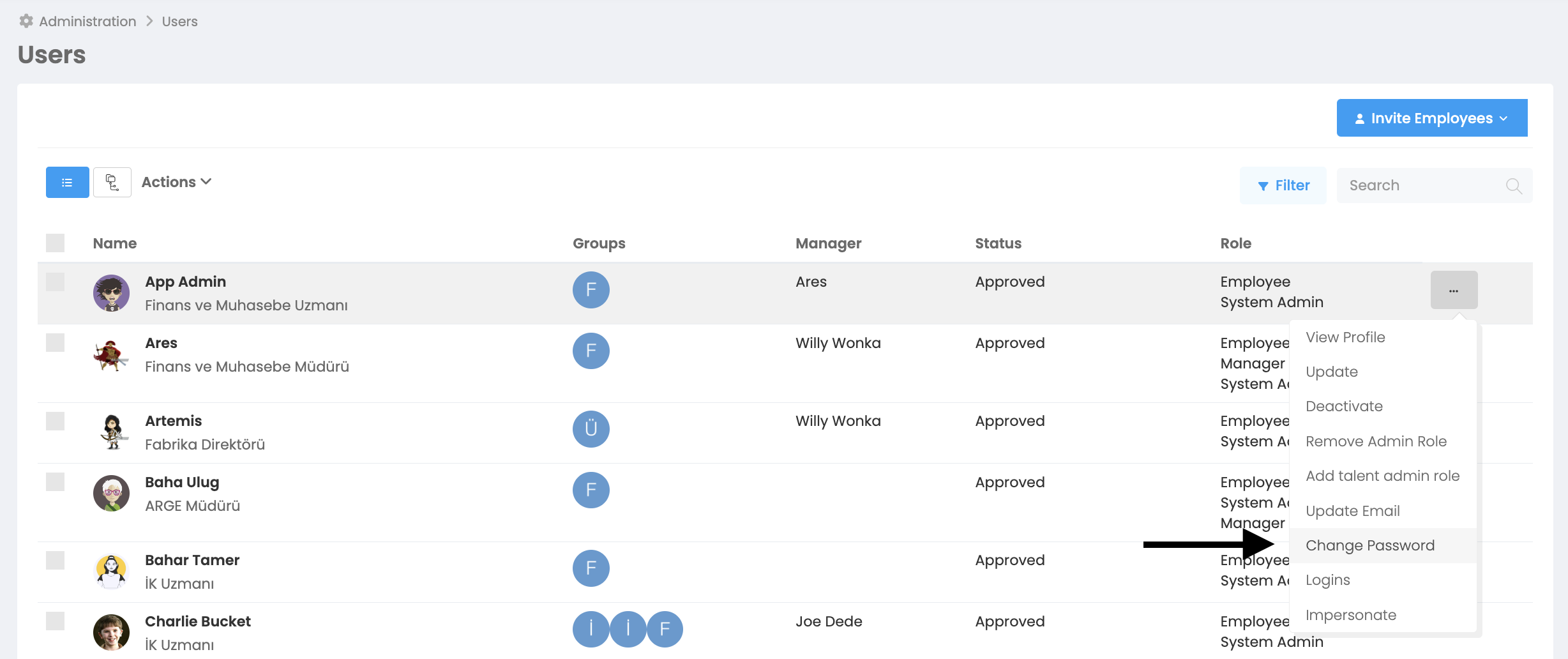
You need to press the 3-dot button at the end of the line of the user account whose password you want to change. When “Change password” is selected, you will see the following window.
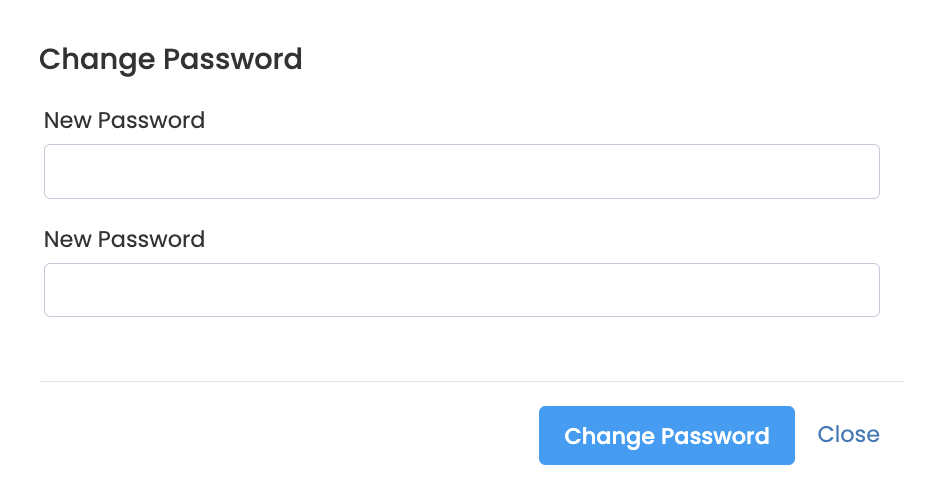
You need to enter the user's new password in both fields and press the "Change Password" button. User account is ready for use with new password!