How Can I Follow the Objective Approval Process as a Human Resources Manager?
As an administrator with admin rights, you can follow the approval process of objectives. For this;
More > Administration > Cycle Management > Reports (Click on the report link for the period) > Reports > Approval Process
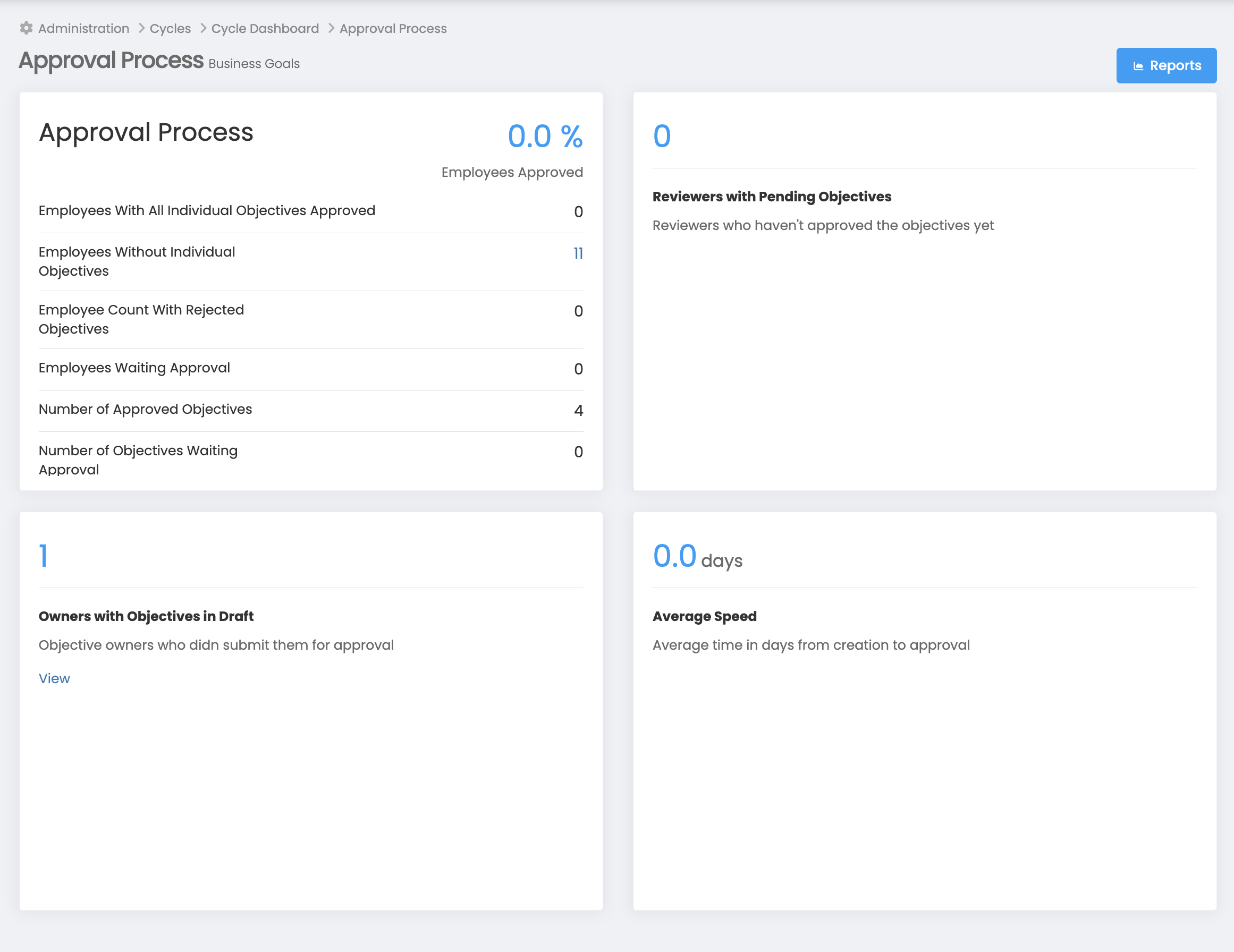
You can access the following information using this page. You can see both the number of employees and the employees based on the status of the objectives, and send them reminders.
- Employees With All Individual Objectives Approved
- Employees Without Individual Objectives
- Employee Count With Rejected Objectives
- Employees Waiting Approval
- Number of Approved Objectives
- Number of Objectives Waiting Approval
In addition, if you want to list on an individual basis
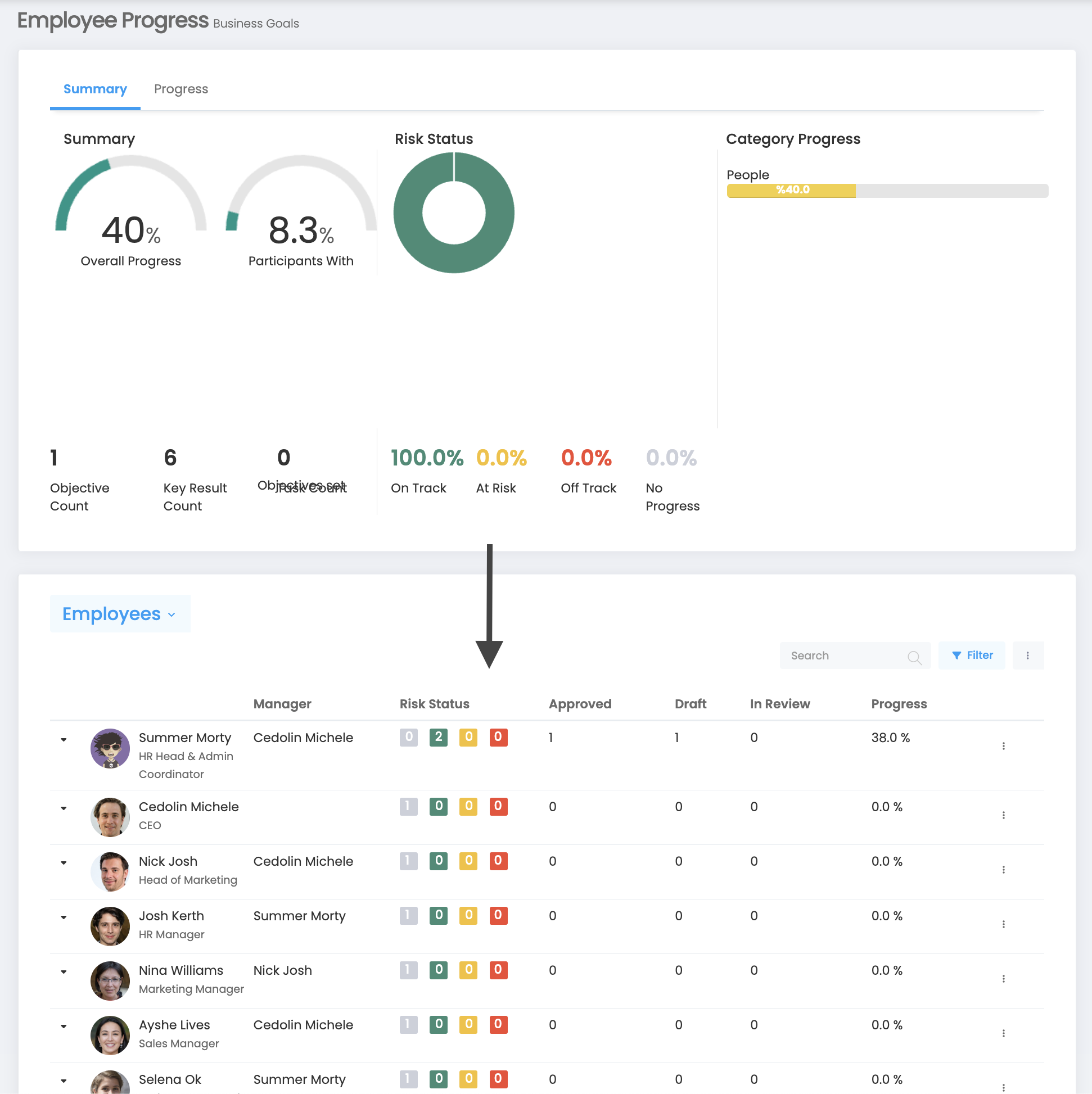
You should follow More > Administration > Cycle Management > Reports (Click on the report link for the period) > Employee Progress/More. In this way, you will access the aggregate report on an individual basis below.
In each row, you will see the approval status of the employee and their objectives.