
You can view and report which users logged in during the OKR/Business objective period via the "Engagement Report". To benefit from this feature, you must have one of the roles of System Administrator, HR business partner, or OKR coach. If you are an HR Business Partner or OKR Coach, you can only access the usage report of the organization defined to you. If you are the System Administrator, the data of the entire organization will be reported to you.
For this follow the link below.
Business Objectives>Analytics>Engagement Report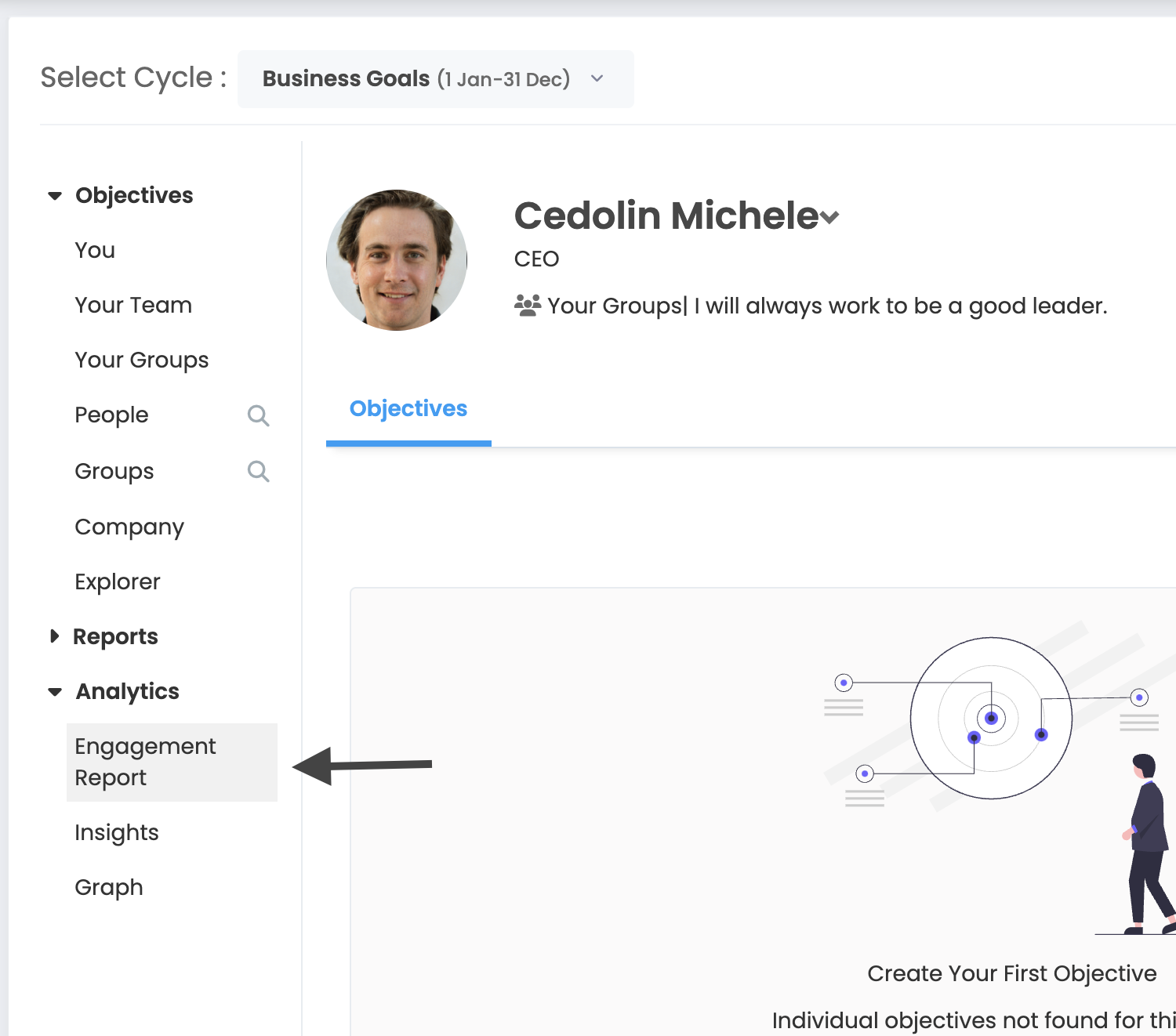
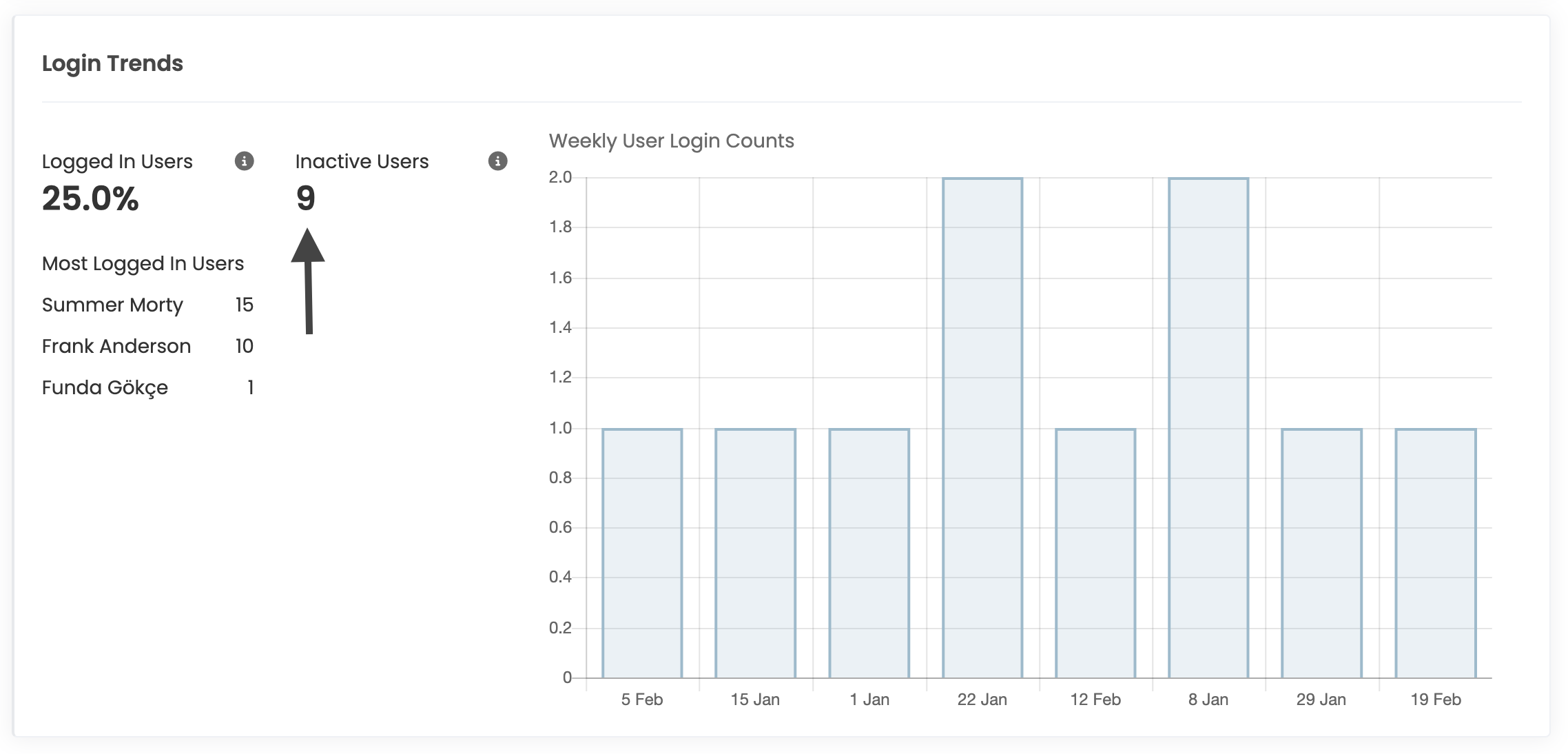
Click the number under "Inactive Users" in the Session Cycle. You will reach the screen that lists the users who have not logged in during that period.
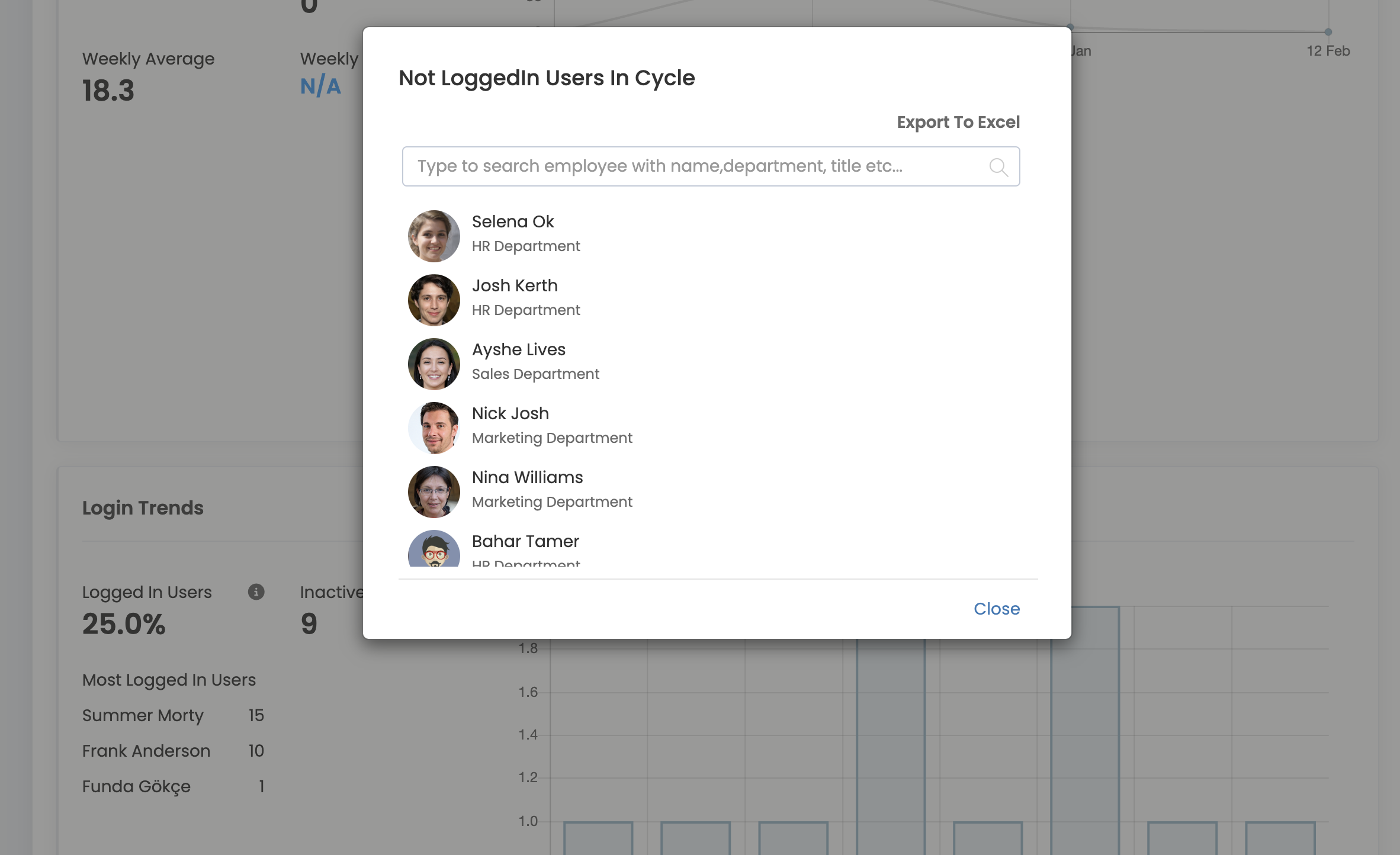
If you wish, you can export these users with their group information to Excel.