The 1:1 interview process is a process that takes place between the employee and the manager. Managers and Employees can schedule 1:1 meetings with each other.
So how do we do this?
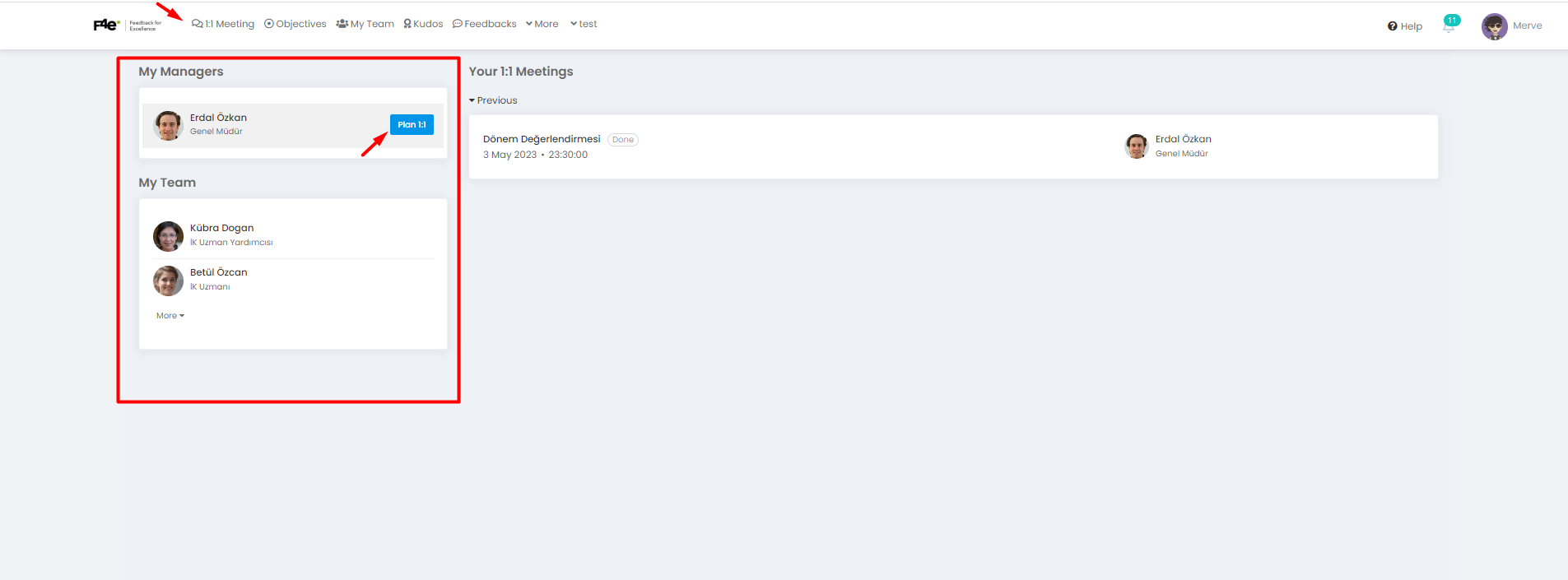
1:1 Meeting > Plan 1:1
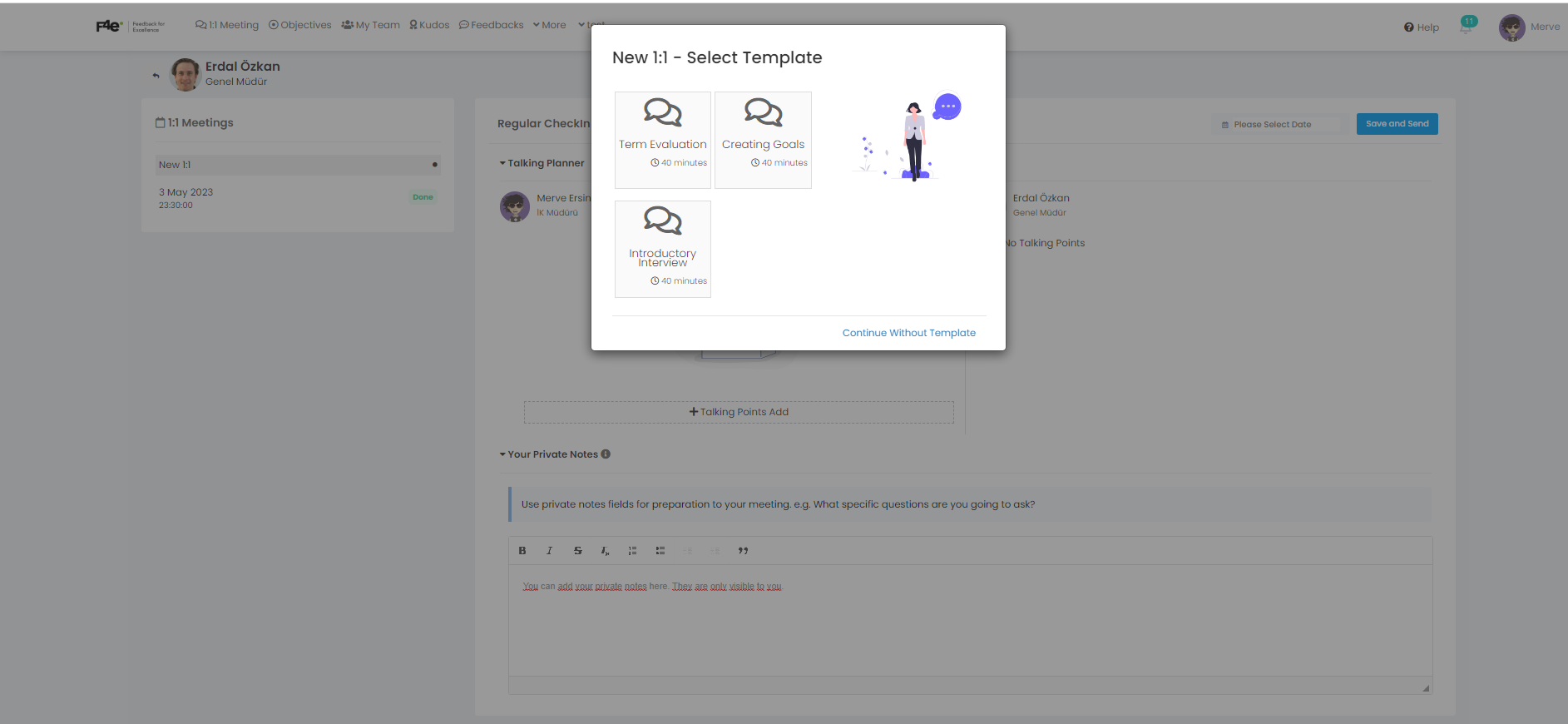
In this area, you can choose a template for the meeting details or continue without a template.
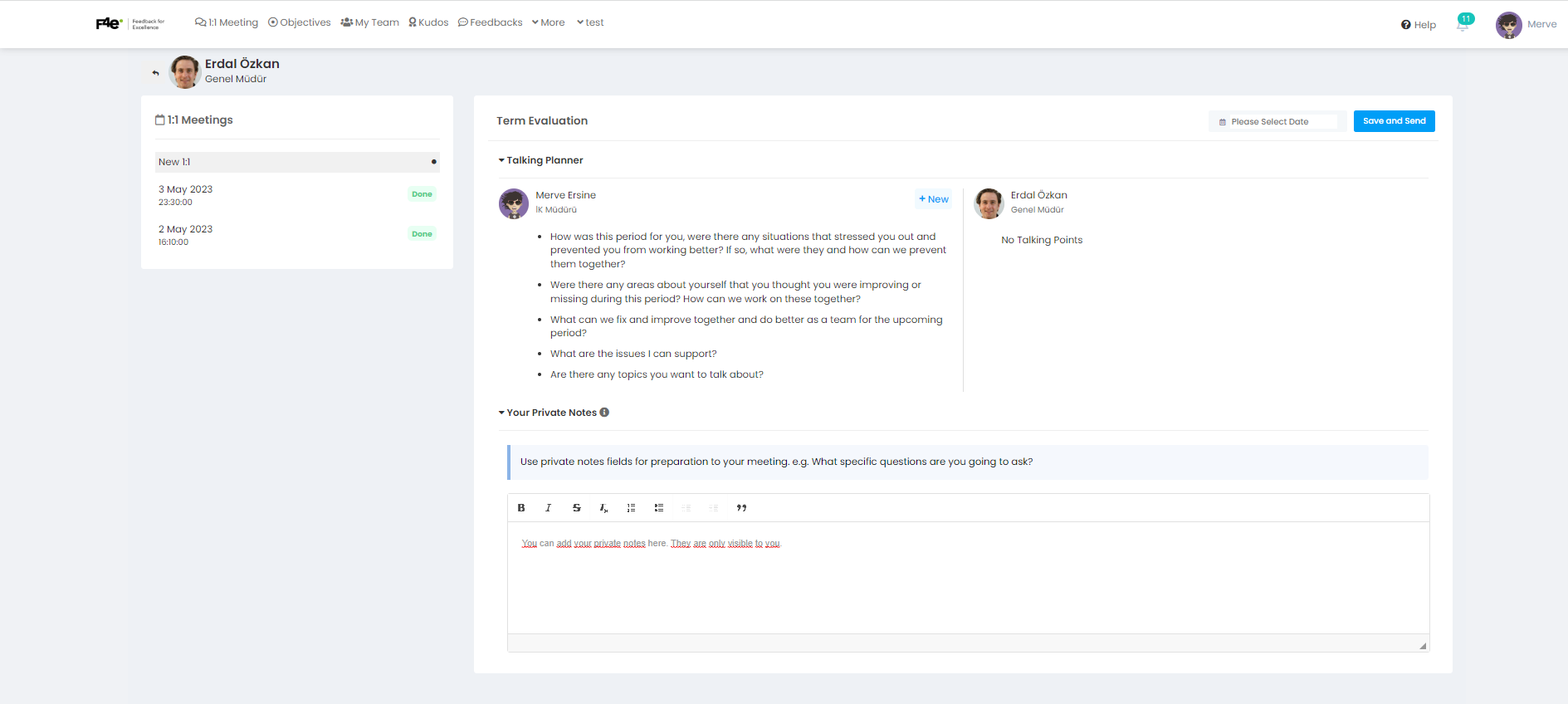
You can add your private notes to this field. These notes will only be viewable by you.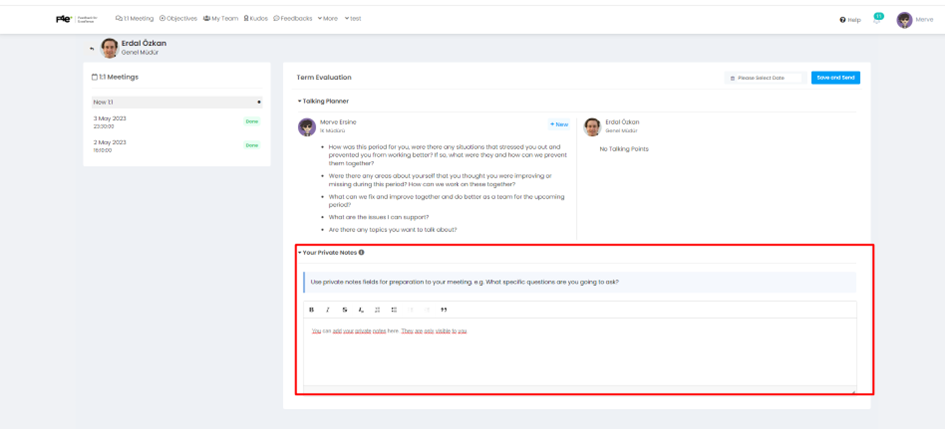
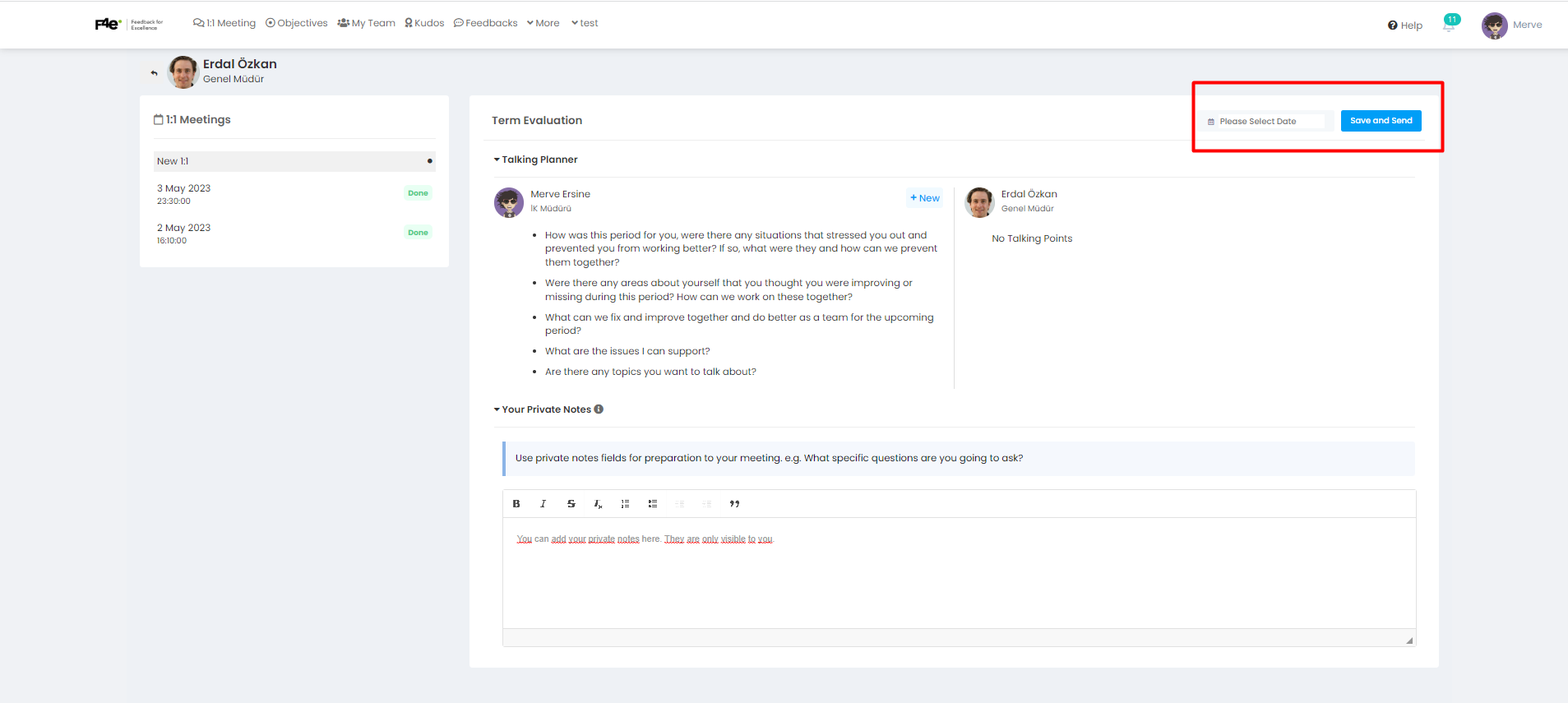
After selecting the date and time, press the Save Send button.
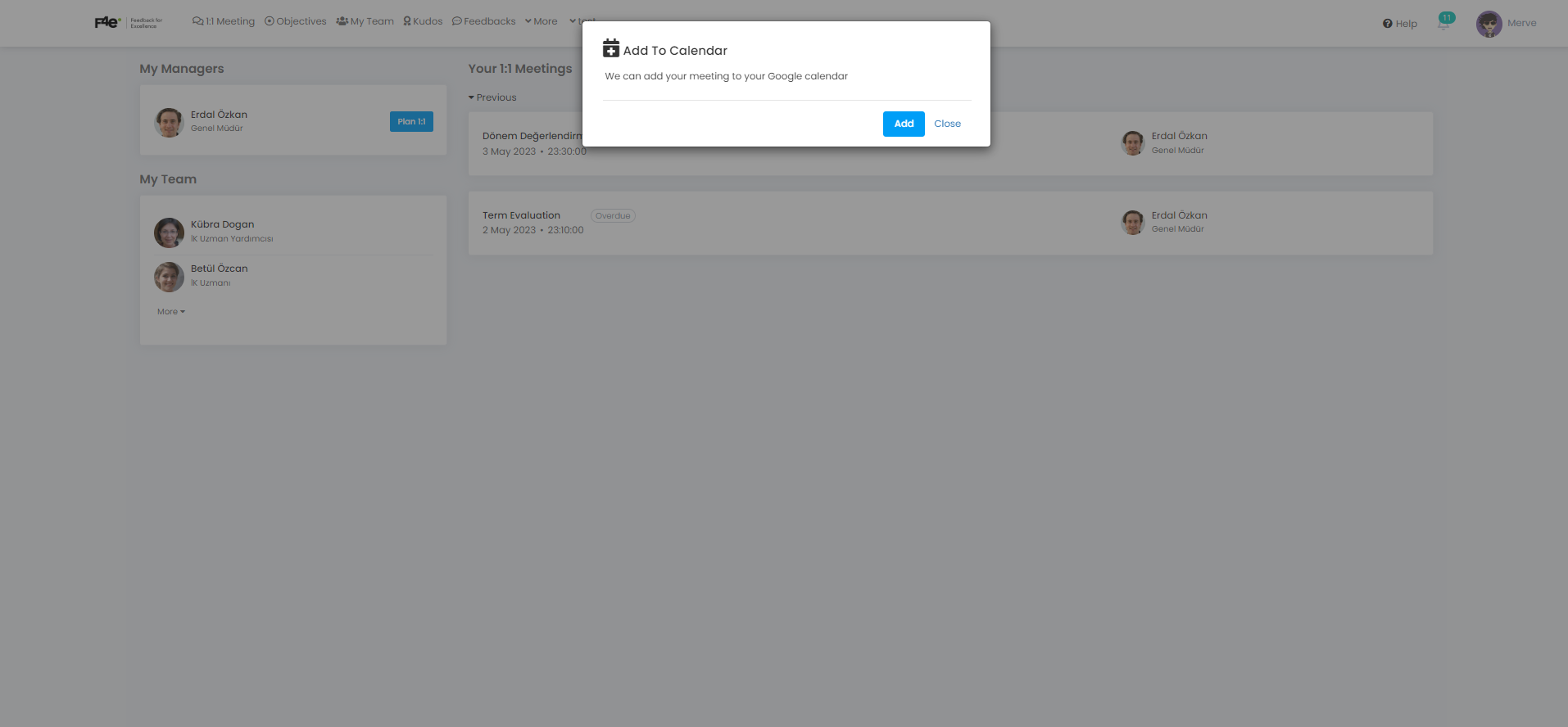
When the Add to calendar option appears on your screen, you can add to your Outlook calendar if you have Google Meet or integration.
After creating a 1:1 planning, click the Start button.
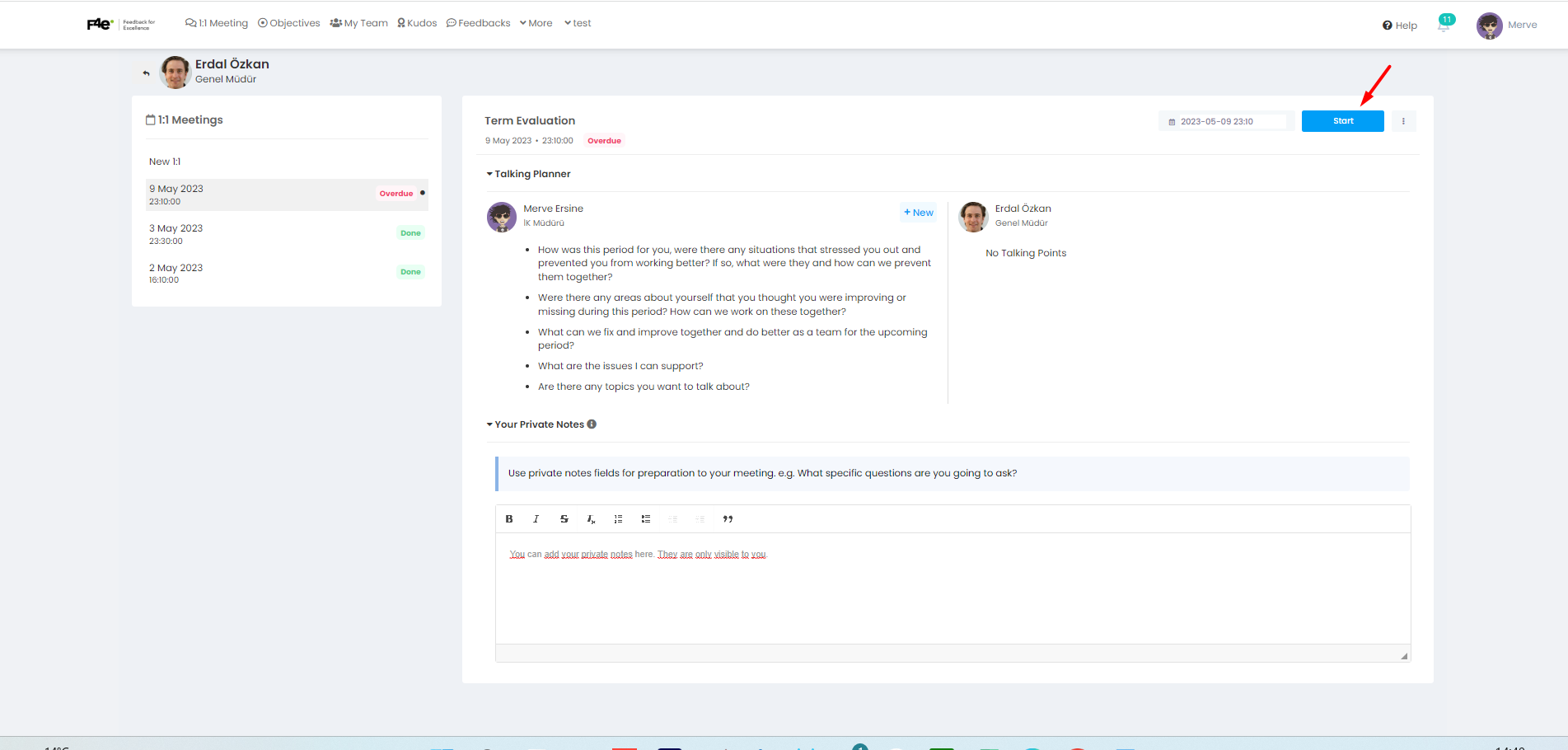
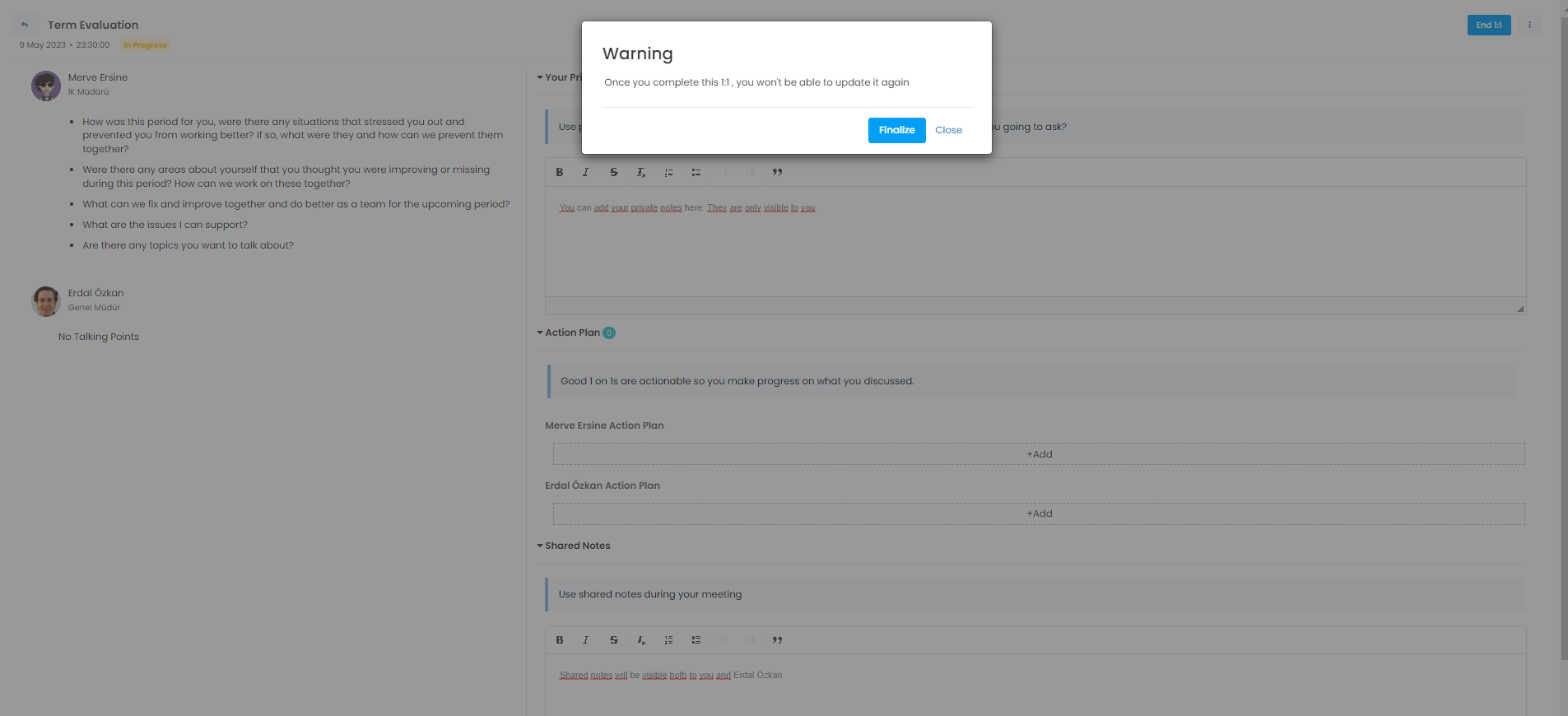
In this field you can enter your Private Notes, Action Plan and Joint Notes.
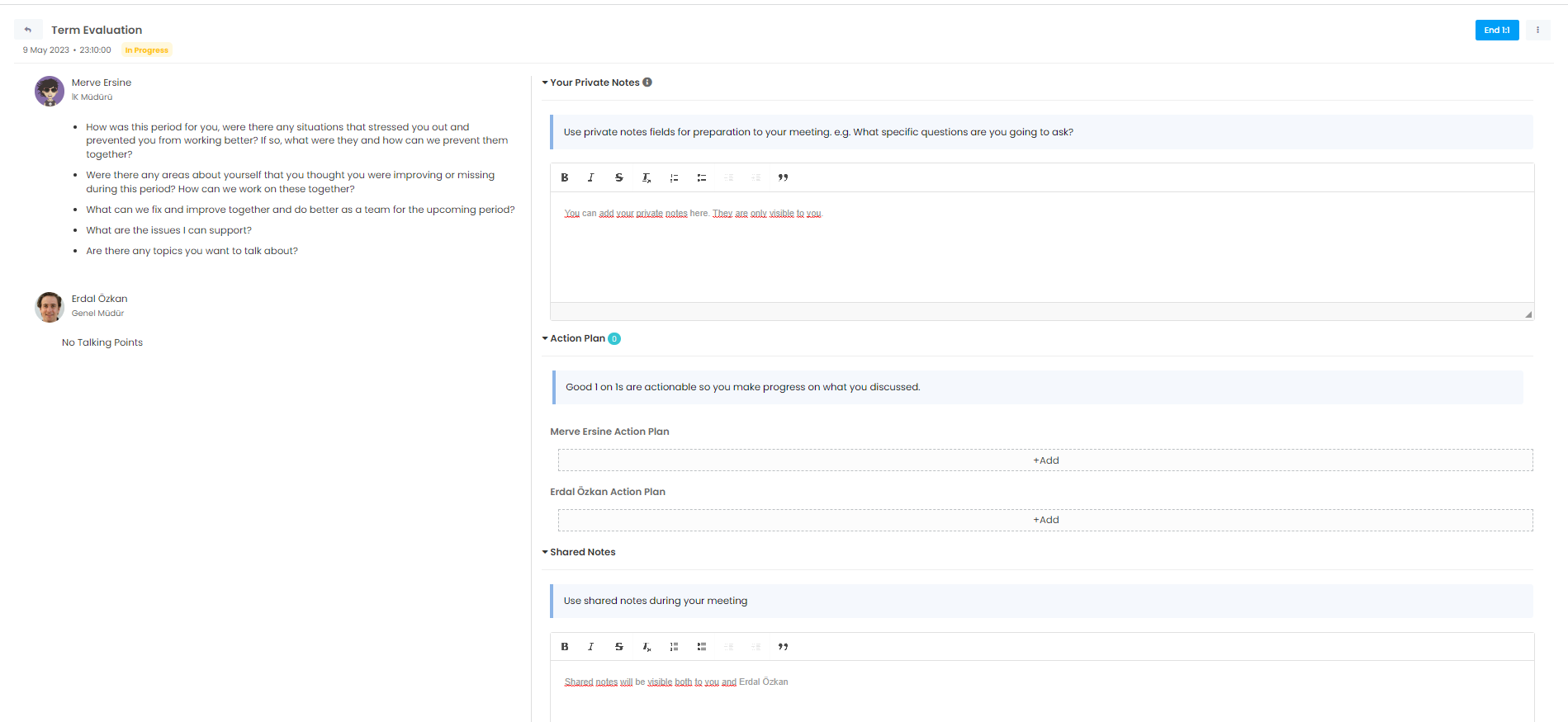
When you complete 1:1 planning, all details will be saved and no updates will be made.