
You want to update your profile information. So how can we do this?
You can view the area where you can update profile information by clicking on the F4e Icon > Pencil mark next to your name.
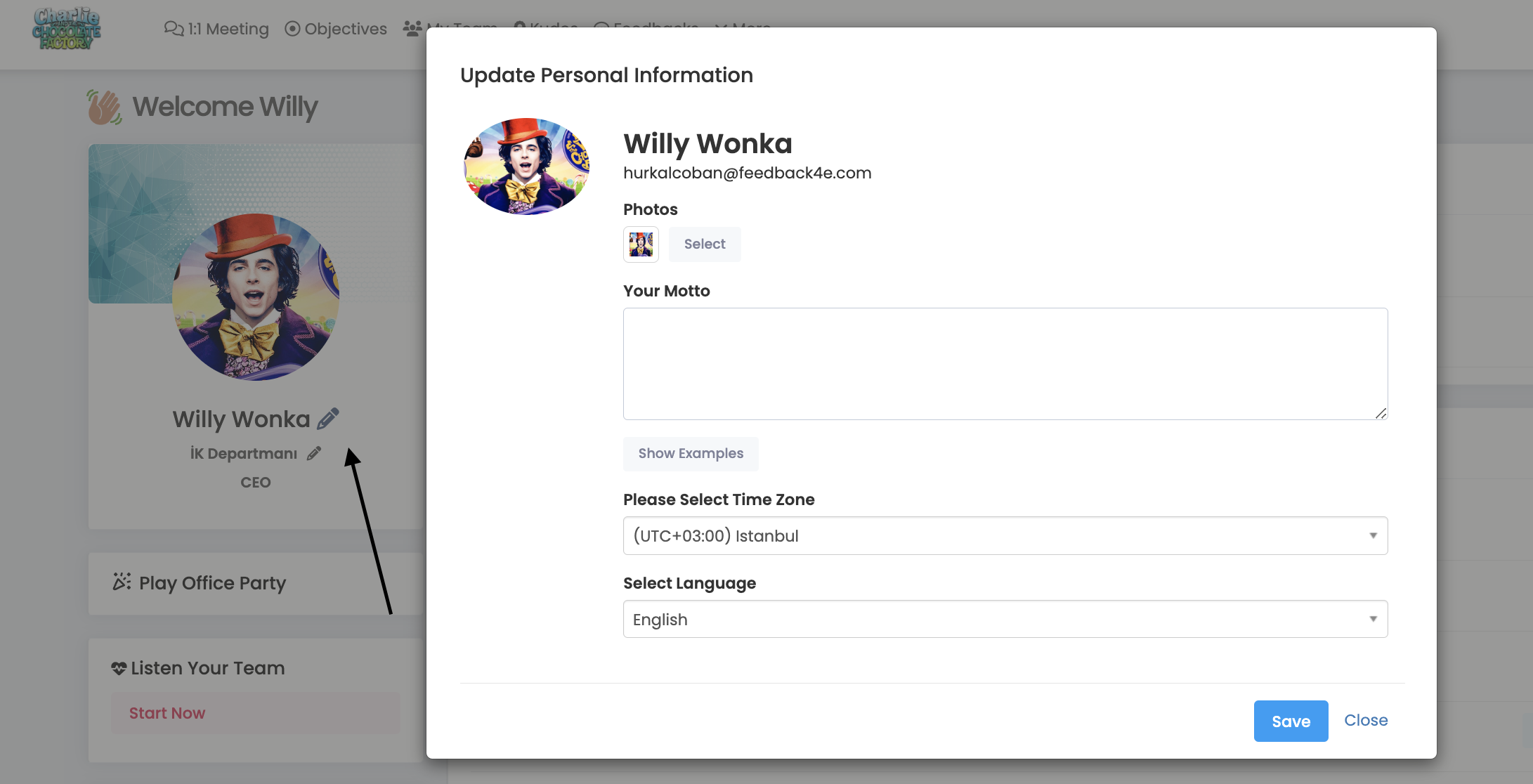
From this part;
- Photograph
- Personal Motto
- Time period
- Language (English and Turkish)
You can update your personal information such as.
Frequently Asked Questions
How can I change language settings?
When creating your account, the system administrator will define one of the languages Turkish or English for you. However, you can use the interface with 2 different language options. However, the contents only support 1 language. For example, you cannot define the same target in both English and Turkish. You can use a single language when creating the target.